Adding graphics, return addresses, messages, and
inscriptions to your mail
You can add customised Graphic Ads, Text Messages, Return Addresses and inscriptions (if available in
your country) onto envelopes or tapes. By adding marketing, advertising, and other promotional
messages, you can now design an outer envelope that reinforces the internal message.
Note:
If your mailing meets certain requirements, you can use Addressed Admail to add personalized direct
marketing messages to you mail pieces. Refer to Adding Addressed Admail to Your Mail.
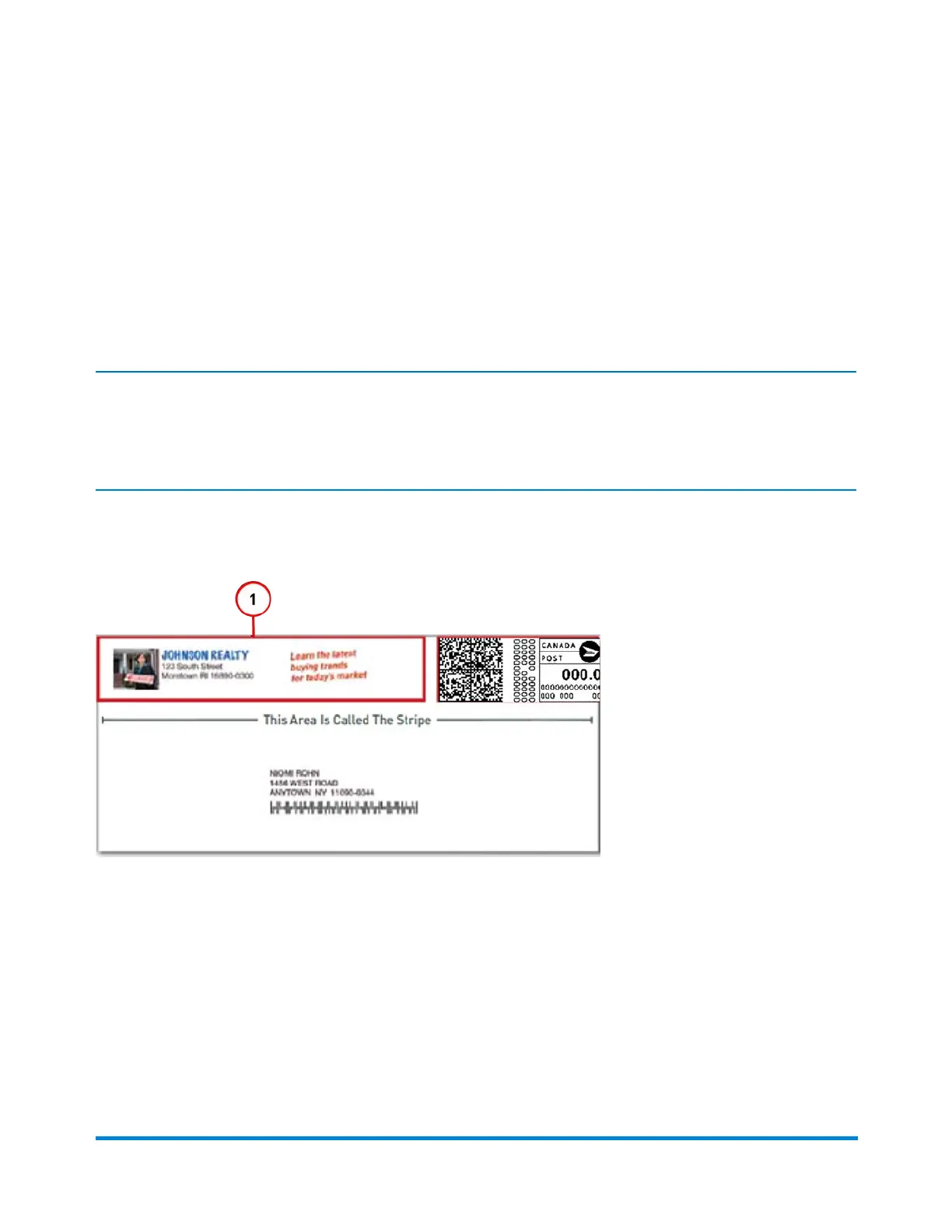
You place these images in the Transpromotional zone (1) on the envelope or tape.
You also have the option of printing date and time stamps on incoming mail.
You make changes to you envelope by selecting anywhere within envelope on the Run Mail screen. You
can also select the Edit envelope link. All of selections for modifying the envelope are contained in a list
box on the left side of the Edit Envelope screen. Note that the options available will depend on how your
system is configured and whether your system has colour capability.
Running mail
Pitney Bowes Operator Guide February,2018 Page 95 of 349











 To Next Page