Adding a graphic
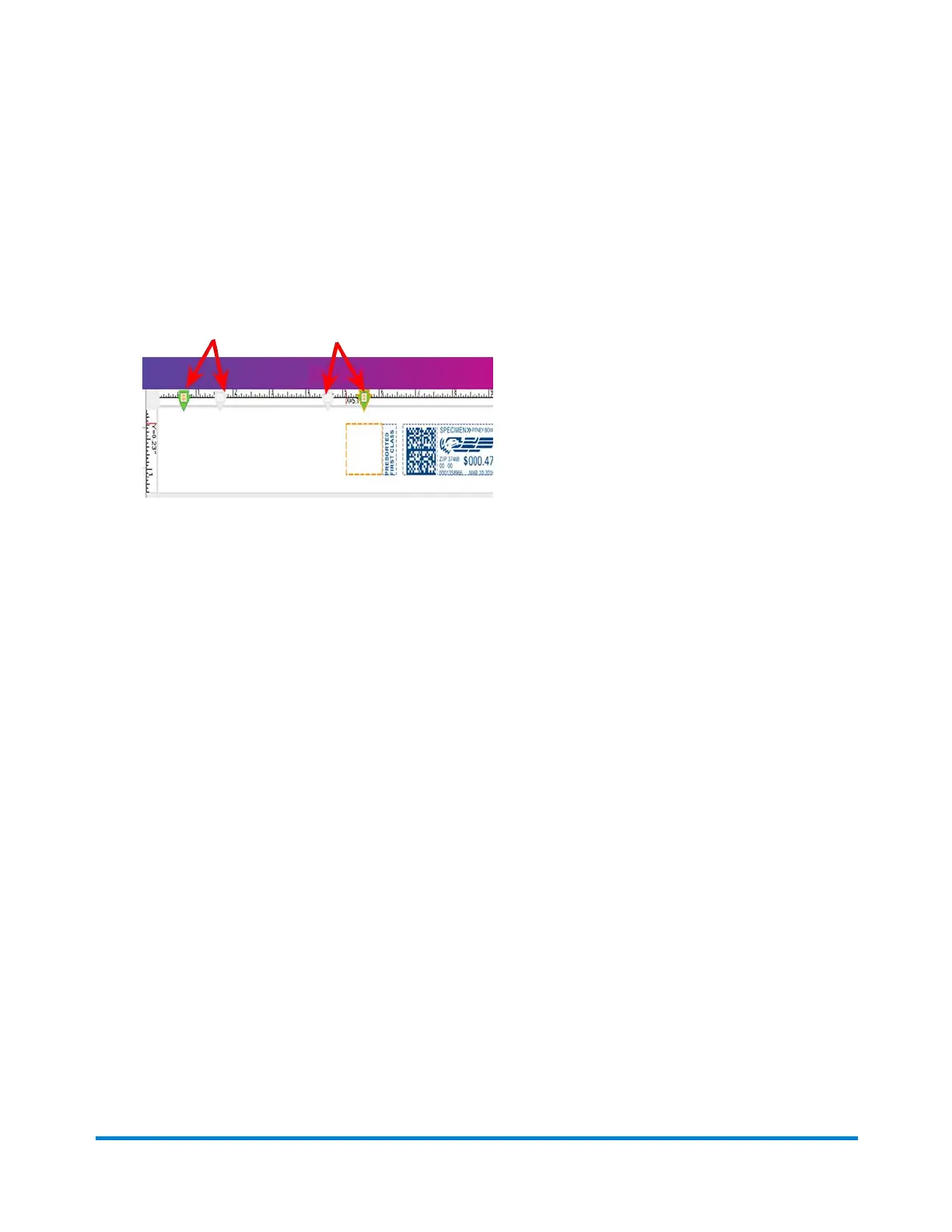
1. As soon as you open the Graphic Ad screen, a series of markers appear along the top of the
envelope. The arrows indicate the location of the markers.
l The number of markers that appear depend on the size of the envelope or tape. A #10
envelope and has four graphic markers.
l The markers are grouped as left justified (left edge of the envelope) or right justified (next to the
indicia). The markers define the locations for the graphic images.
2. To select a graphic, choose the marker, then select the graphic from the list (a checkmark appears
in the checkbox).
l If the zone is empty, by default the right justified marker next to the indicia is automatically
selected and the first graphic will appear in this location.
l To remove the graphic, simply de-select it so that the checkmark is removed from the
checkbox.
3. Select OKto place the graphic on the envelope. The Run Mail screen appears with the graphic
displayed on the envelope.
Running mail
Pitney Bowes Operator Guide February,2018 Page 98 of 349











 To Next Page