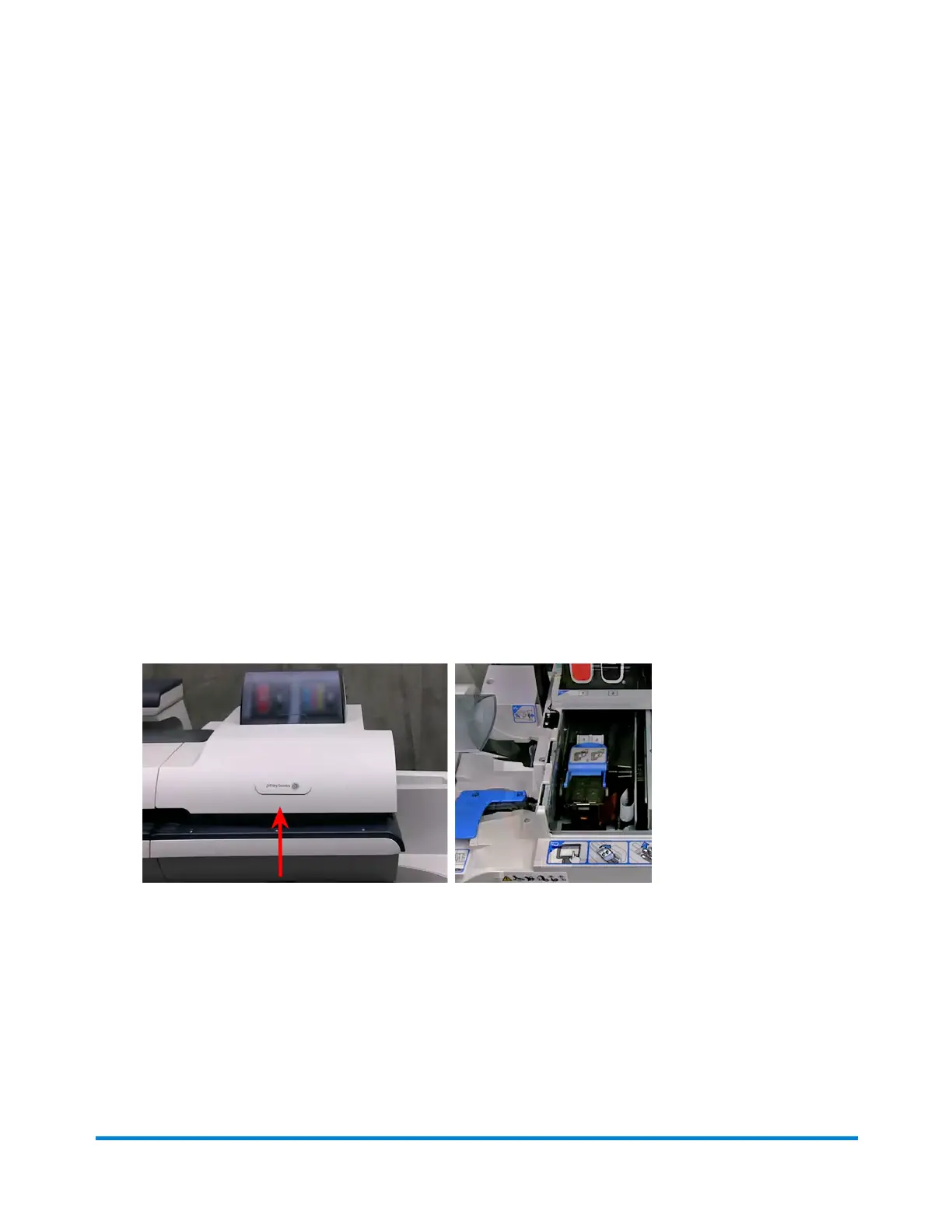
1. Select Settings under Mailing on the Home screen.
2. Select Hardware.
3. Select Printer.
4. Select the Print head tab.
5. Select the Clean button. Printhead cleaning takes approximately one minute. A progress bar
indicates the cleaning status.
6. Once the cleaning process is complete, you will be prompted to print a test pattern.
Replacing a printhead
Try replacing the printhead to improve print quality.
1. Select Settings under Mailing on the Home screen.
2. Select Hardware.
3. Select Printer.
4. Select the print head tab.
5. Select the Install new... button.
6. Wait for the print carriage to be prepared and moved forward. This process may take a minute.
7. Once the print carriage has moved forward, open the printer cover.
Maintenance
Pitney Bowes User Guide April 2024 46












 To Next Page