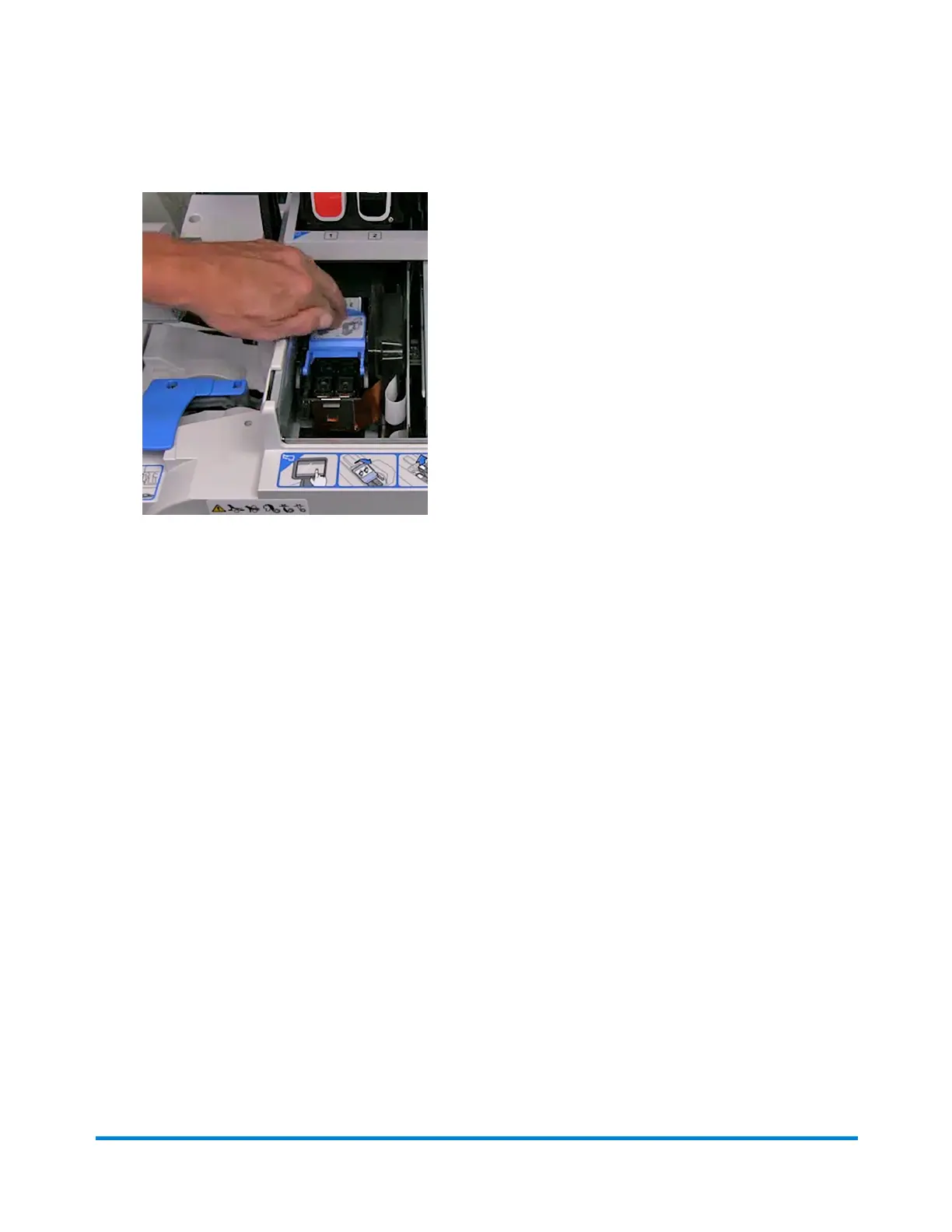
13. Make sure the blue handle is down.
14. Close the printer cover. The meter will begin to prepare the printhead. This process may take
several minutes.
15. Once the printhead preparation is complete, you will be prompted to print a test sample on an
envelope or tape.
16. Select Start or Tape to print the test pattern.
17. Check the test sample. If the lines are solid and unbroken, the sample is acceptable.
18. Select Image is OK - Done.
19. Press Home to return to the Home screen
Out of ink warning
The Out of Ink warning displays when there is not enough ink left in the cartridge for your mailing
system to print, and the system stops printing. In order to resume printing you must replace the ink
cartridge.
Maintenance
Pitney Bowes User Guide April 2024 49












 To Next Page