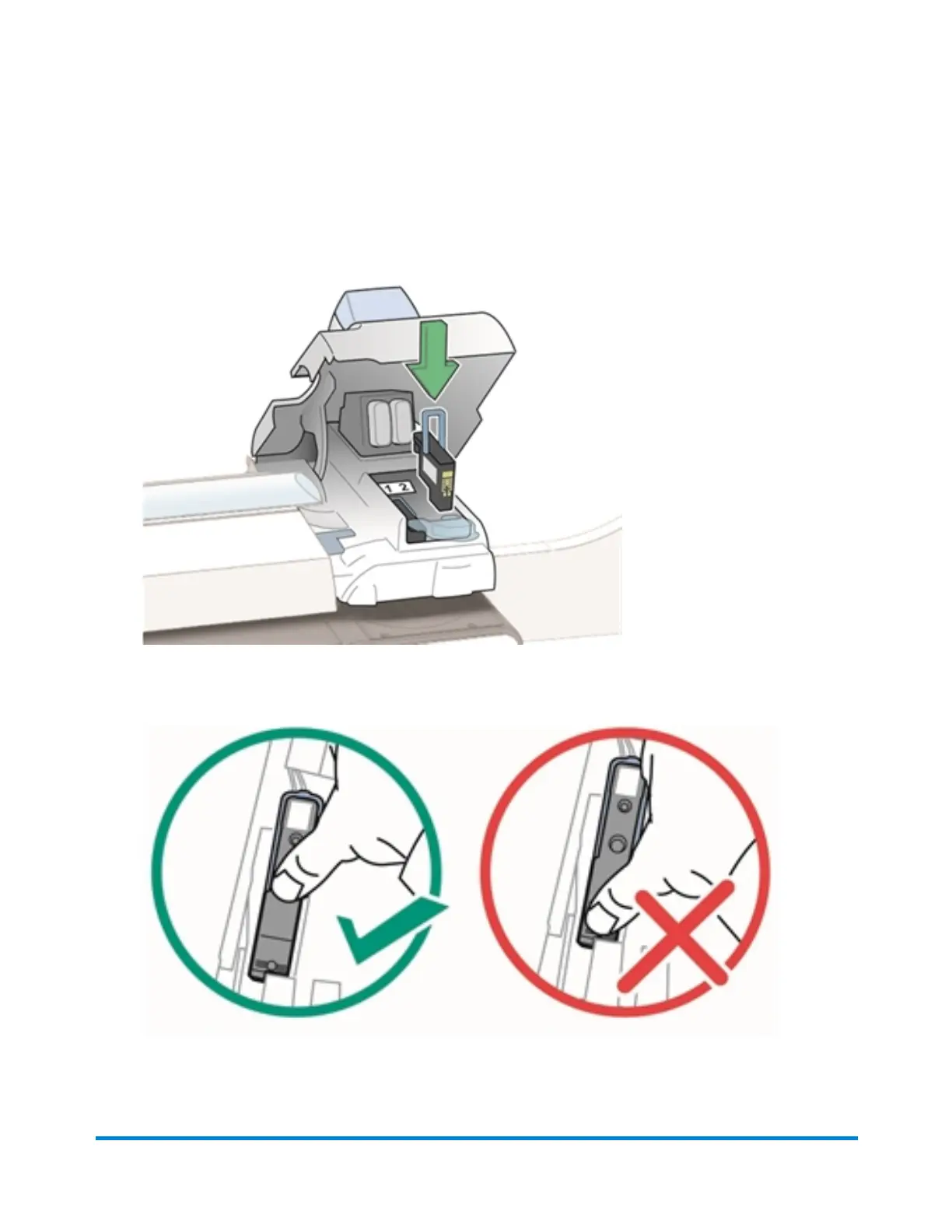
10. Insert the new print head.
l The print head contact must be facing toward the front of the mailing system.
l Make sure the blue handle is down.
l During installation, only apply pressure to the center of the print head.
Maintenance
Pitney Bowes Operator Guide February,2018 Page 259 of 349











 To Next Page