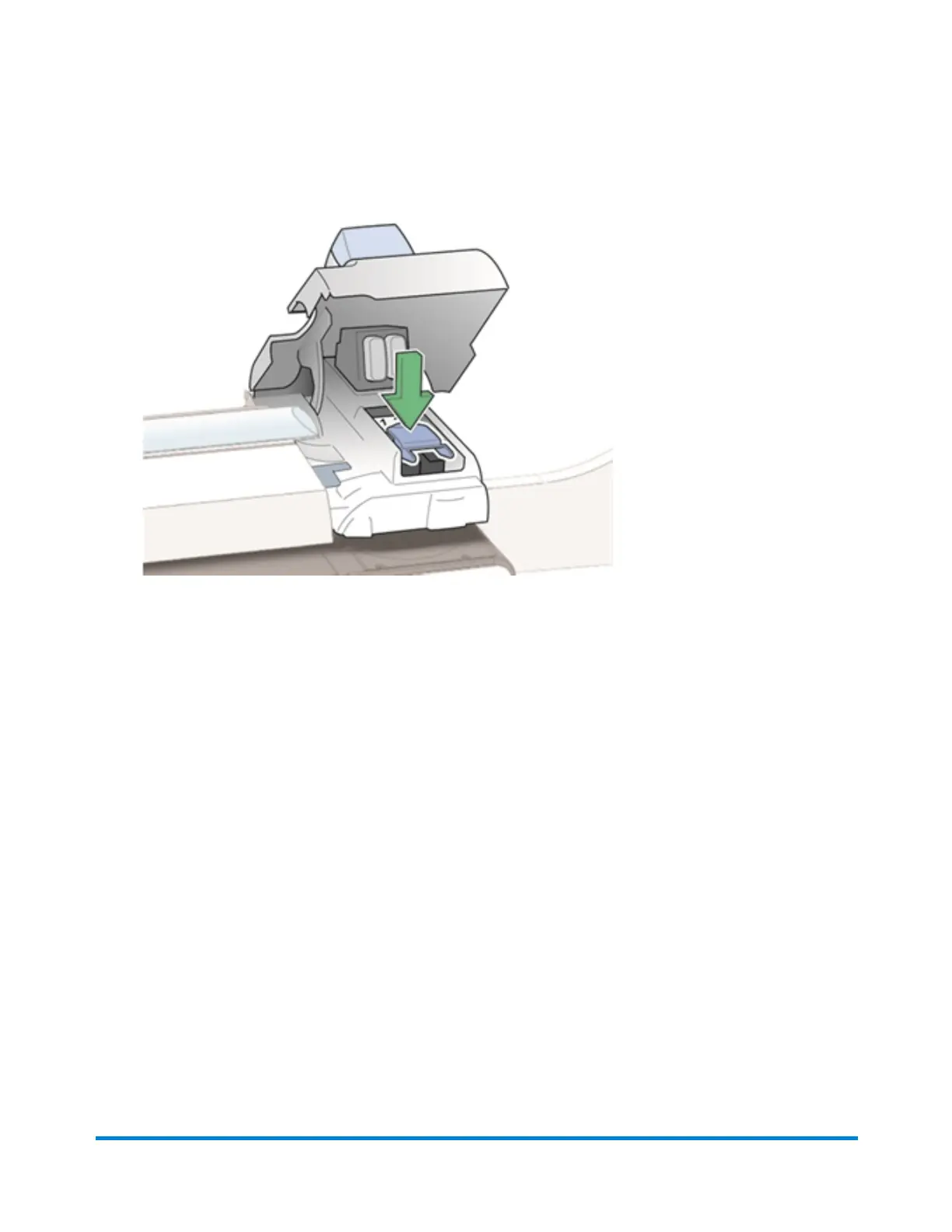
11. Push the blue latch back until it stops.
12. Close the printer cover. The system will begin to prepare the print head. This process may take
several minutes.
13. Once the print head preparation is complete, you will be prompted to print a test pattern on an
envelope. Place an envelope on the feed deck and select Start.
14. Check the test pattern. If the lines are solid and unbroken, the pattern is acceptable. Select Image
is OK - Done.
Maintenance
Pitney Bowes Operator Guide February,2018 Page 260 of 349











 To Next Page