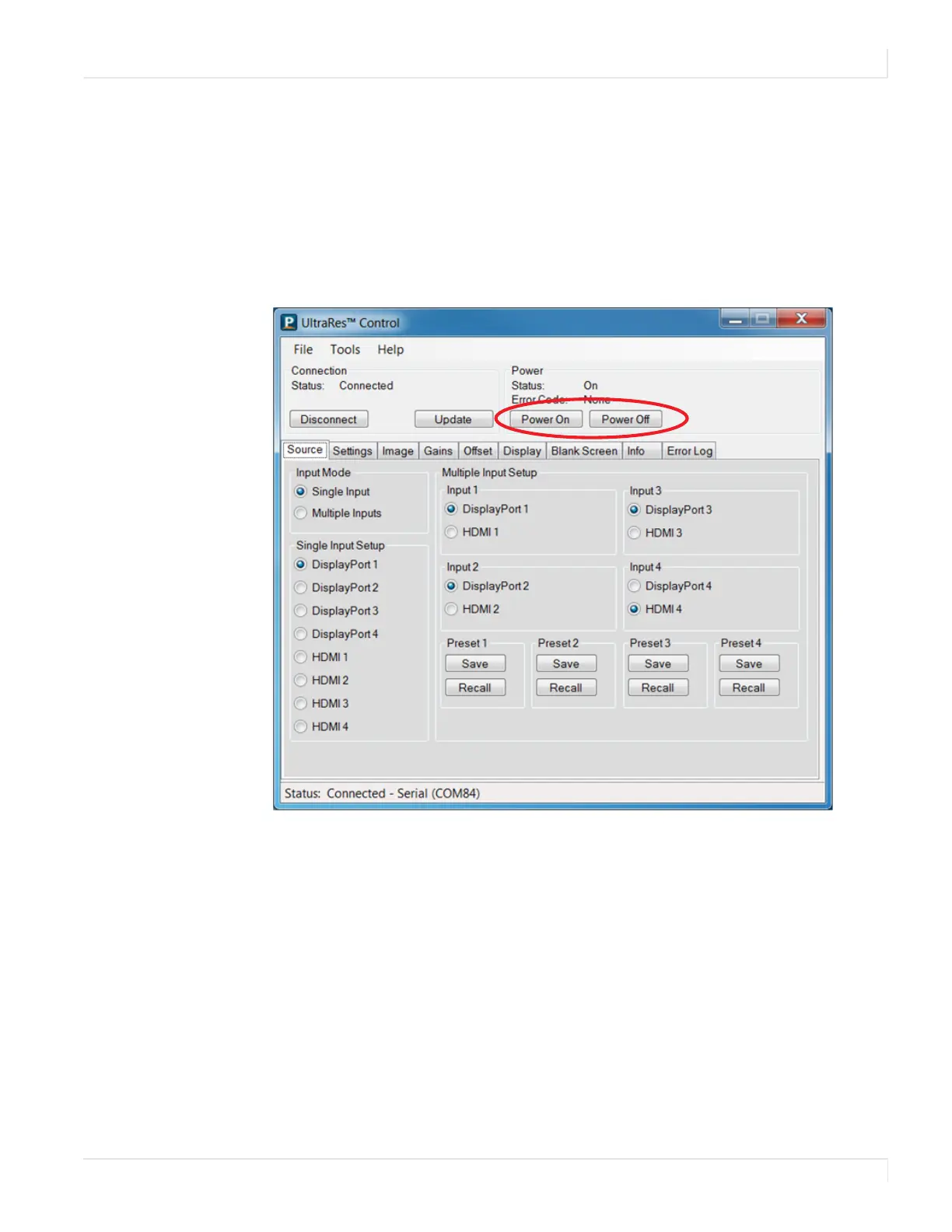
Powering On/Off Planar UltraRes Displays
Planar UltraRes User Manual 16
Powering On/Off Planar UltraRes Displays
There are several different ways to turn on or off the Planar UltraRes Display:
• Using the On/Off buttons on the remote control. See "Using the Remote
Control" on page 15 for more information.
• Using the Power On/Power Off buttons in the UltraRes Control software tool.
See "Using the UltraRes Control Software" on page 65 for detailed information
about the UltraRes Control software.
• Use the UltraRes Remote Monitoring software. See "Planar UltraRes Remote
Monitoring Software" on page 86.














 To Next Page