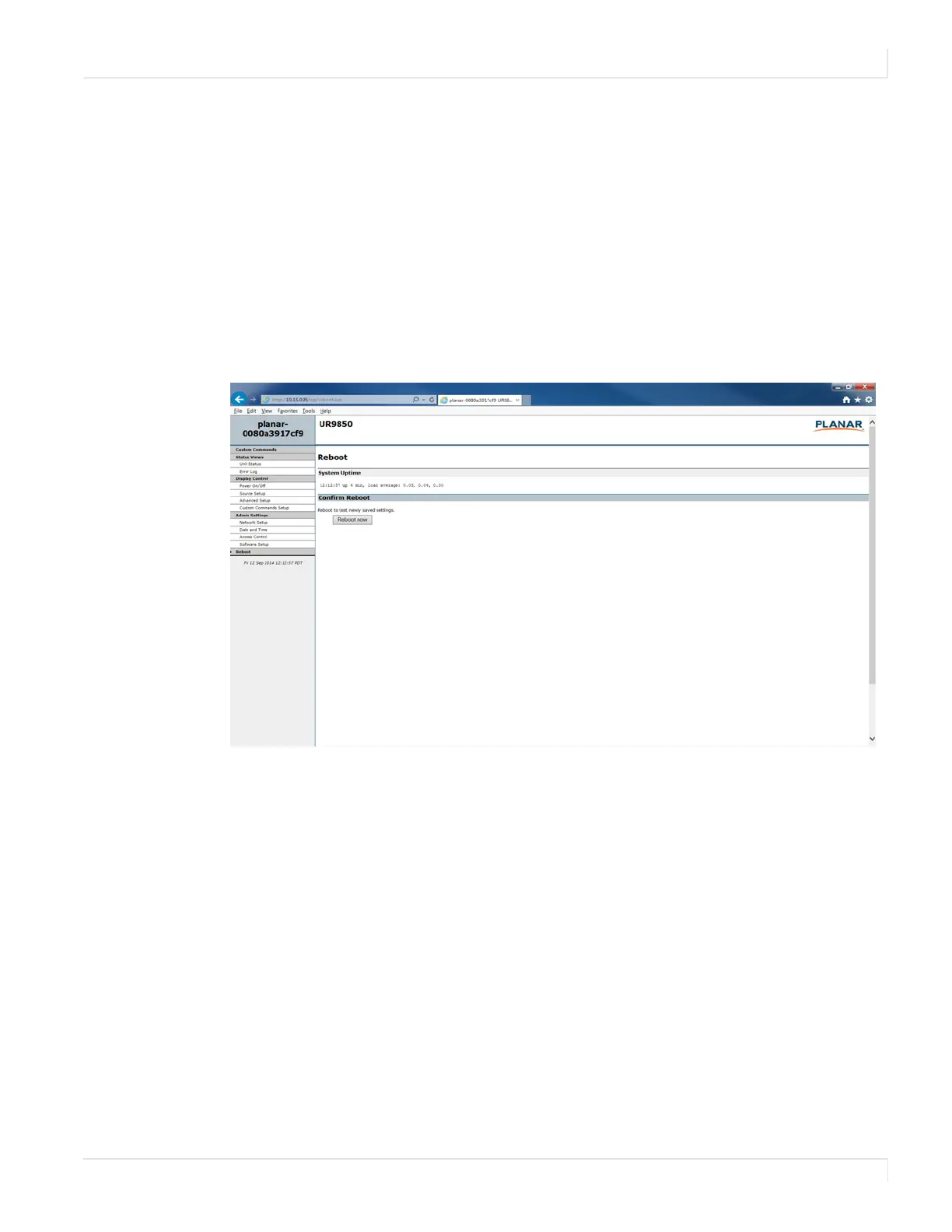
Remote Monitoring Reboot
Planar UltraRes User Manual 98
6 To make this link live, click Change Product ID Link.
7 In normal operations, Remote Monitoring polls the displays at a rate of one
per second to look for user requests that have been made using the IR remote
control and the on-screen menus. In some situations, this polling can have a
noticeable performance impact. If you want to disable this polling, select the
Disable polling for alert conditions checkbox. When you are finished, click
Change Advanced Settings.
Remote Monitoring Reboot
Click Reboot now to reboot your system. The reboot takes about 90 seconds.














 To Next Page