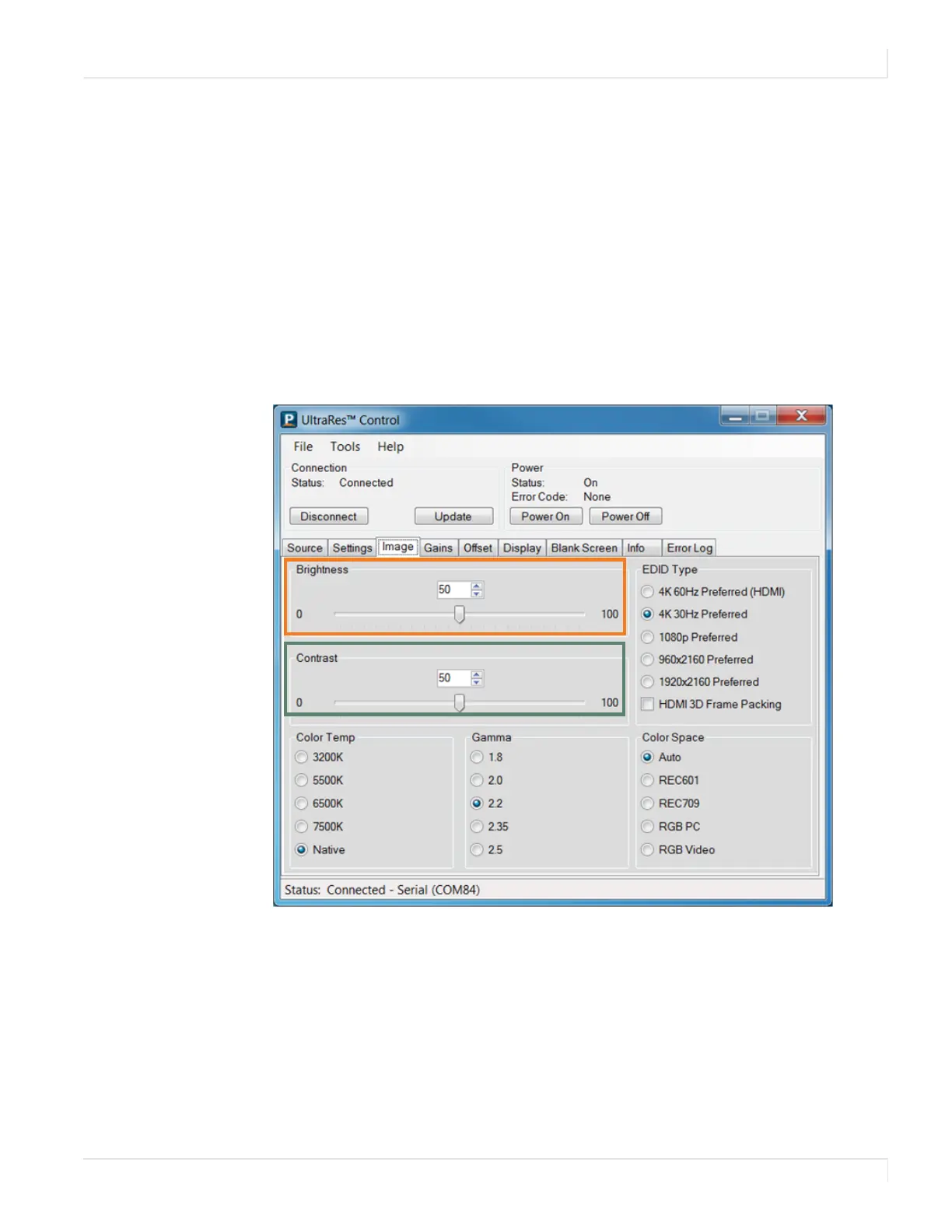
Order of Adjustment
Planar UltraRes User Manual 70
Order of Adjustment
It is good practice to adjust the image using the controls that follow in the order they
are given.
Brightness
Use an external test pattern that has a PLUGE. This typically shows white and black
chips and several gray chips in between.
Adjust the Brightness control until the
black chip disappears into the background.
The darkest Gray chip should be just visible above this background.
Contrast
Adjust Contrast so the two whitest chips are separately visible and the two darkest
chips are separately visible. You should now be able to see the separation of all the
chips.














 To Next Page