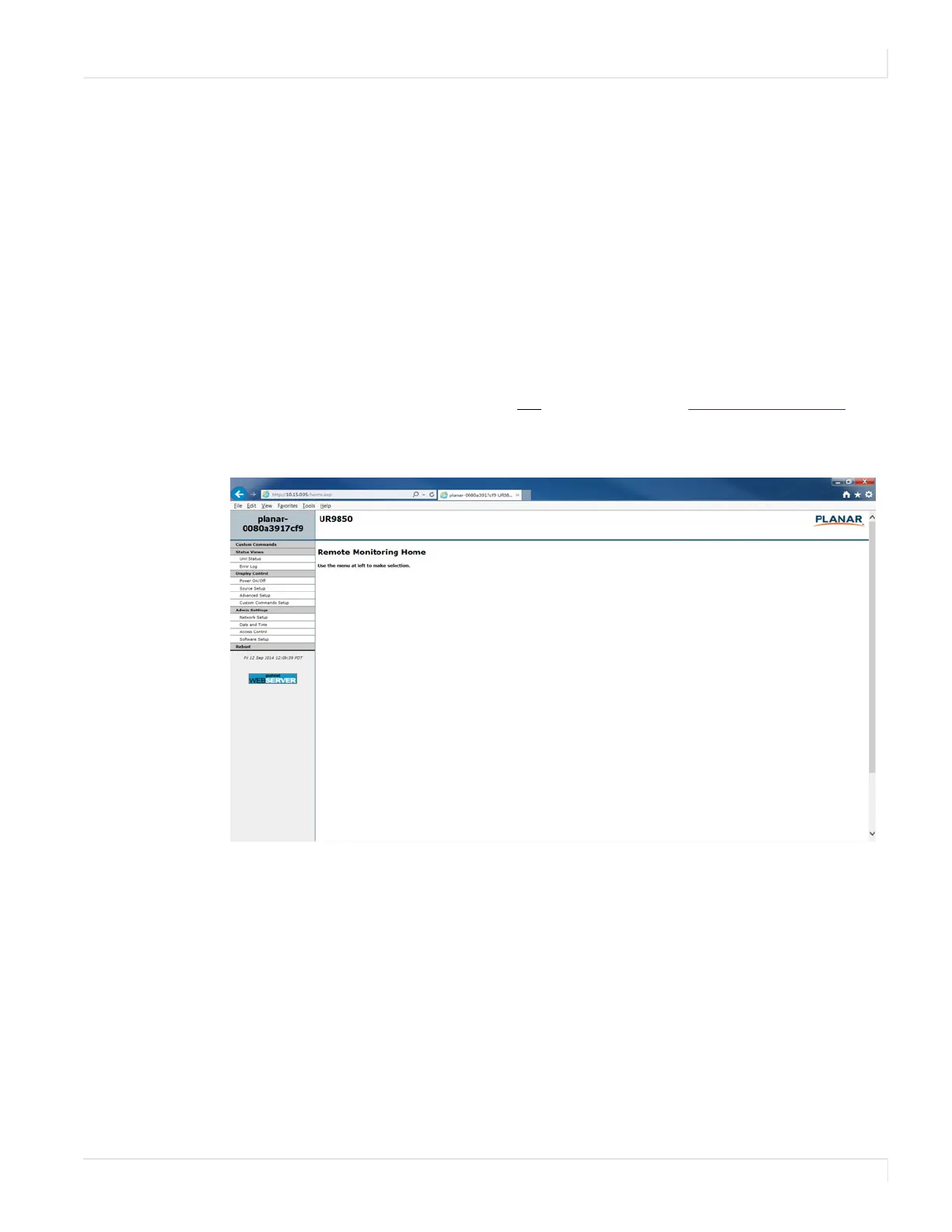
Remote Monitoring Home
Planar UltraRes User Manual 86
Planar UltraRes Remote
Monitoring Software
Planar UltraRes Remote Monitoring is a software tool that displays information about
the display via a web browser. It is used primarily for monitoring, reporting and some
control (for example, manually powering the displays on and off).
Remote Monitoring Home
Launch a web browser. If you are using DHCP, enter in the IP address shown on the
Info tab of UltraRes Control. If you are
not using DHCP, enter http://192.168.12.12 in
the address bar. For either web address entered, you should see a page similar to the
following.














 To Next Page