Order of Adjustment
Planar UltraRes User Manual 72
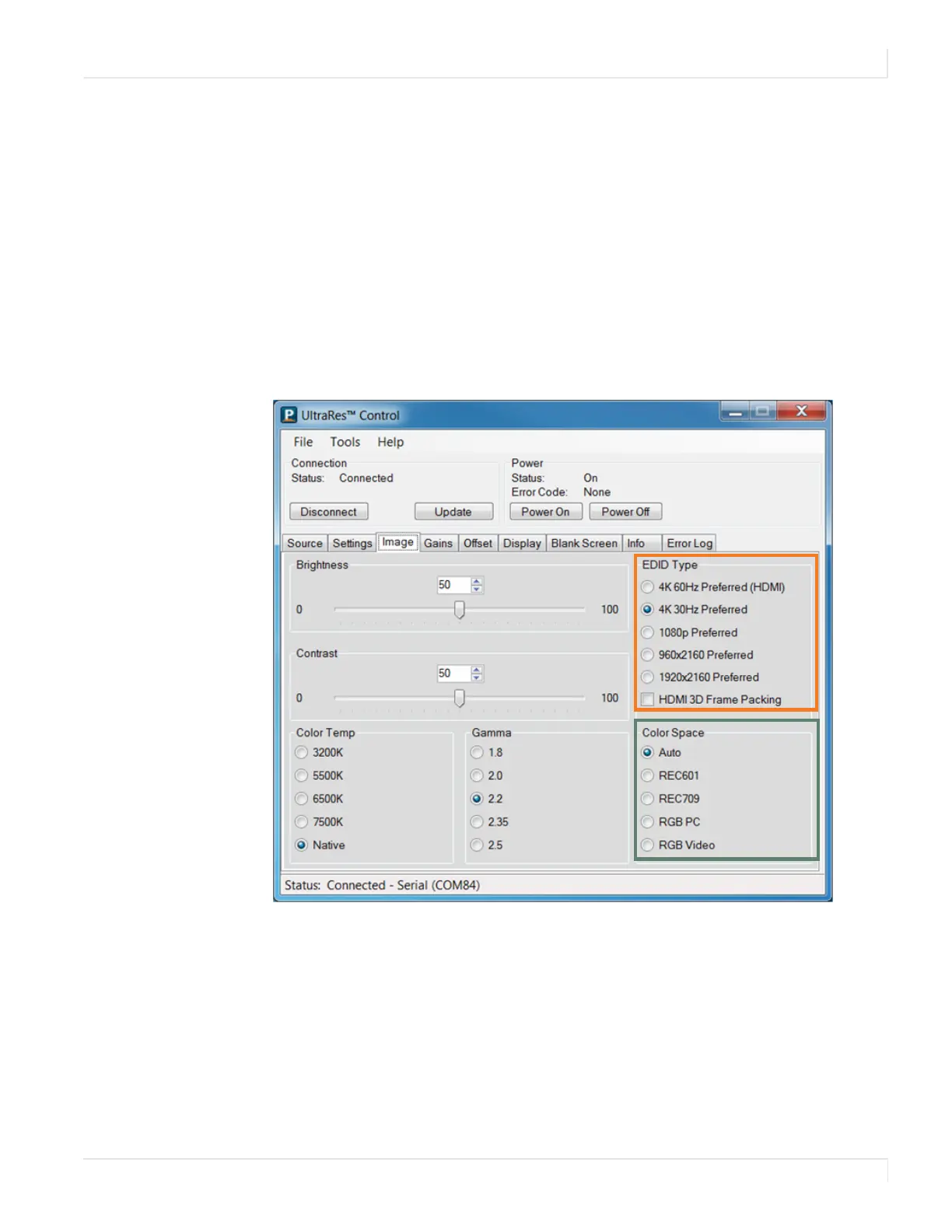
EDID Type
EDID Type selects the preferred timing indicated in the EDID for the current input
source:
• 4K 60Hz Preferred (HDMI): Selects an EDID with 4K @ 60Hz 4:2:0 as the default
timing. Not applicable on DisplayPort.
• 4K 30Hz Preferred: Selects an EDID with 4K @ 30Hz as the default timing.
• 1080p Preferred: Selects an EDID with 1080p @ 60Hz as the default timing.
• 960x2160 Preferred: Selects an EDID with 960x2160 @ 60Hz as the default
timing.
• 1920x2160 Preferred: Selects an EDID with 1920x2160 @ 60Hz as the default
timing.
HDMI 3D Frame Packing
When checked, all HDMI EDIDs will indicate support for 3D frame packing formats,
which are commonly used by 3D Blu-ray players. Note that side-by-side and top-and-
bottom 3D formats are not supported.














 To Next Page