Connecting Sources
Planar UltraRes User Manual 40
Connecting Sources
There are three modes of operation
1 Single Input
• 4K @ 24/25/30Hz
• 4K @ 50/60Hz (HDMI 4:2:0)
• 1080p @ 24/25/30/50/60Hz
• 1080i @ 50/60Hz
• 720p @ 50/60Hz
2 Four-headed input
• 4K @ 24/25/30Hz
• 4K @ 50/60Hz (HDMI 4:2:0)
• 1080p @ 24/25/30/50/60Hz
• 1080i @ 50/60Hz
• 720p @ 50/60Hz
3 Two-headed input
• 960x2160 @ 60Hz
• 1920x2160 @ 60Hz, using inputs 1 & 3 or 2 & 4
Setting up for Single Input Sources
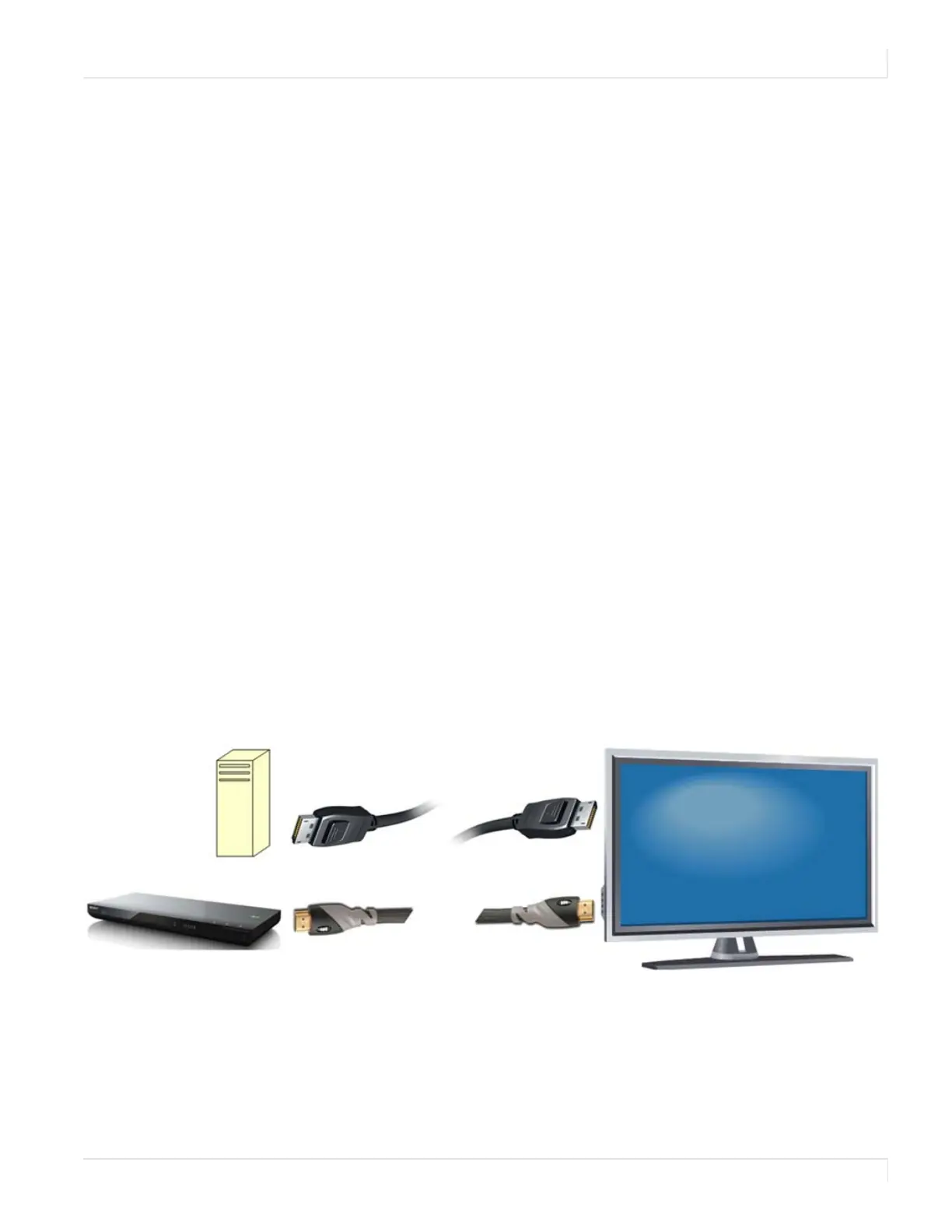
Connect from a single-headed source to the display. If the image is 4K, it will fill the
whole screen. For non-4K signals, the image is upscaled to 4K.
• PC with 4K @ 24/25/30Hz output
• 4K Blu-ray player such as a Sony BDP-S790
Select the input source using either the remote control or UltraRes Control Software
from the computer.














 To Next Page