Input Setup
Planar UltraRes User Manual 18
Input Setup
You can set up your Planar UltraRes display using multiple or single inputs. Both are
explained below. You can select multiple or single input mode using the remote
control, the UltraRes Control tool or by using RS232 commands. For more
information see "Setting up for Multiple Input Sources" on page 42 and "Setting up
for Single Input Sources" on page 40.
Supported Formats for Multiple Inputs
The following formats are supported for multiple inputs:
Quadrants or Single Inputs:
• 4K @ 24/25/30Hz
• 4K @ 50/60Hz (HDMI 4:2:0)
• 1080p @ 24/25/30/50/60Hz
• 1080i @ 50/60Hz
• 720p @ 50/60Hz
Swaths & Halves
• 960x2160 @ 60Hz
• 1920x2160 @ 60Hz, using inputs 1 & 3 or 2 & 4
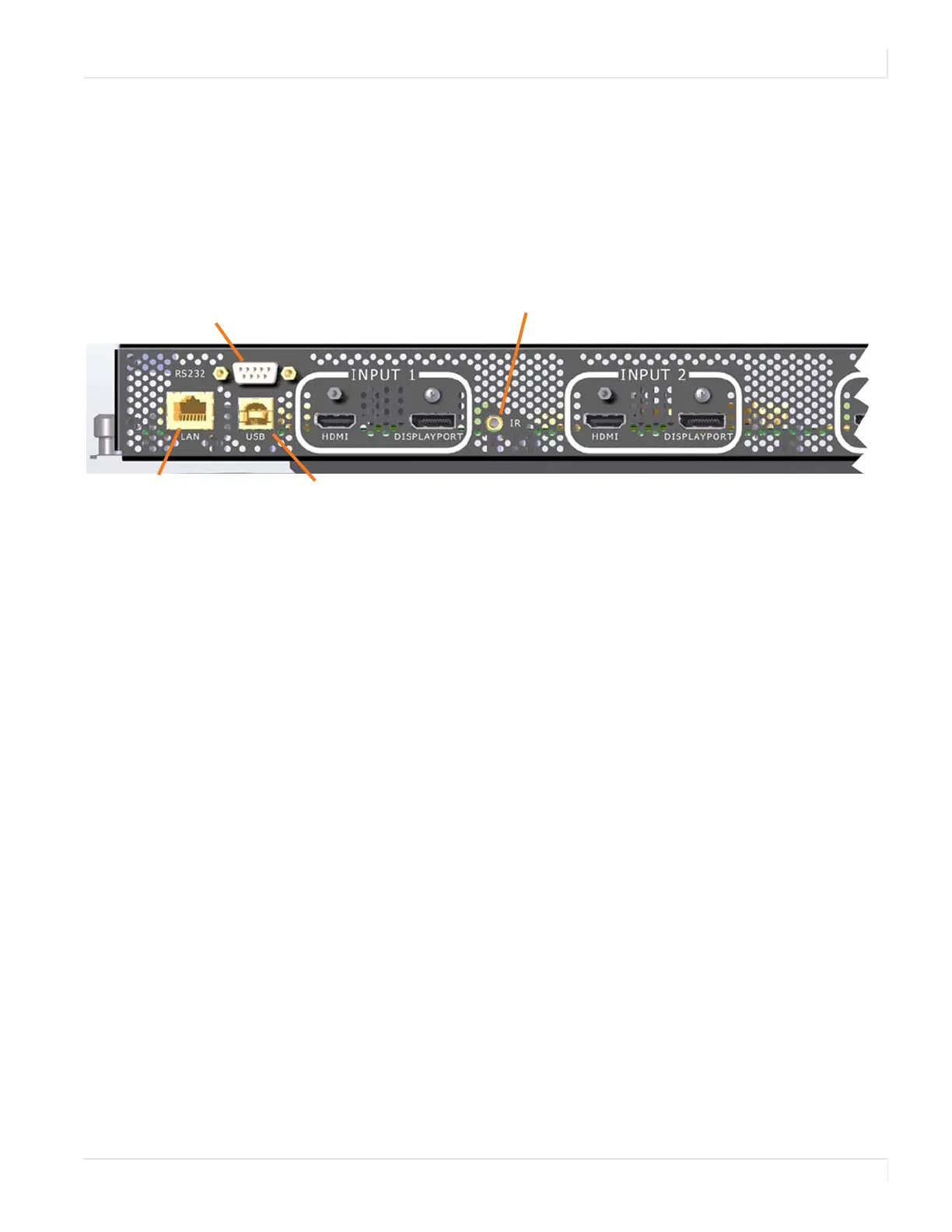
RS232 connector
Connects to the Remote
Monitoring.
Receives commands sent to the display
using the UltraRes Control Tool, Also used
for diagnostic purposes.
Receives signals from the
remote control.














 To Next Page