Installing an UltraRes Display on a Wall
Planar UltraRes User Manual 38
Using the Kickstand Bracket
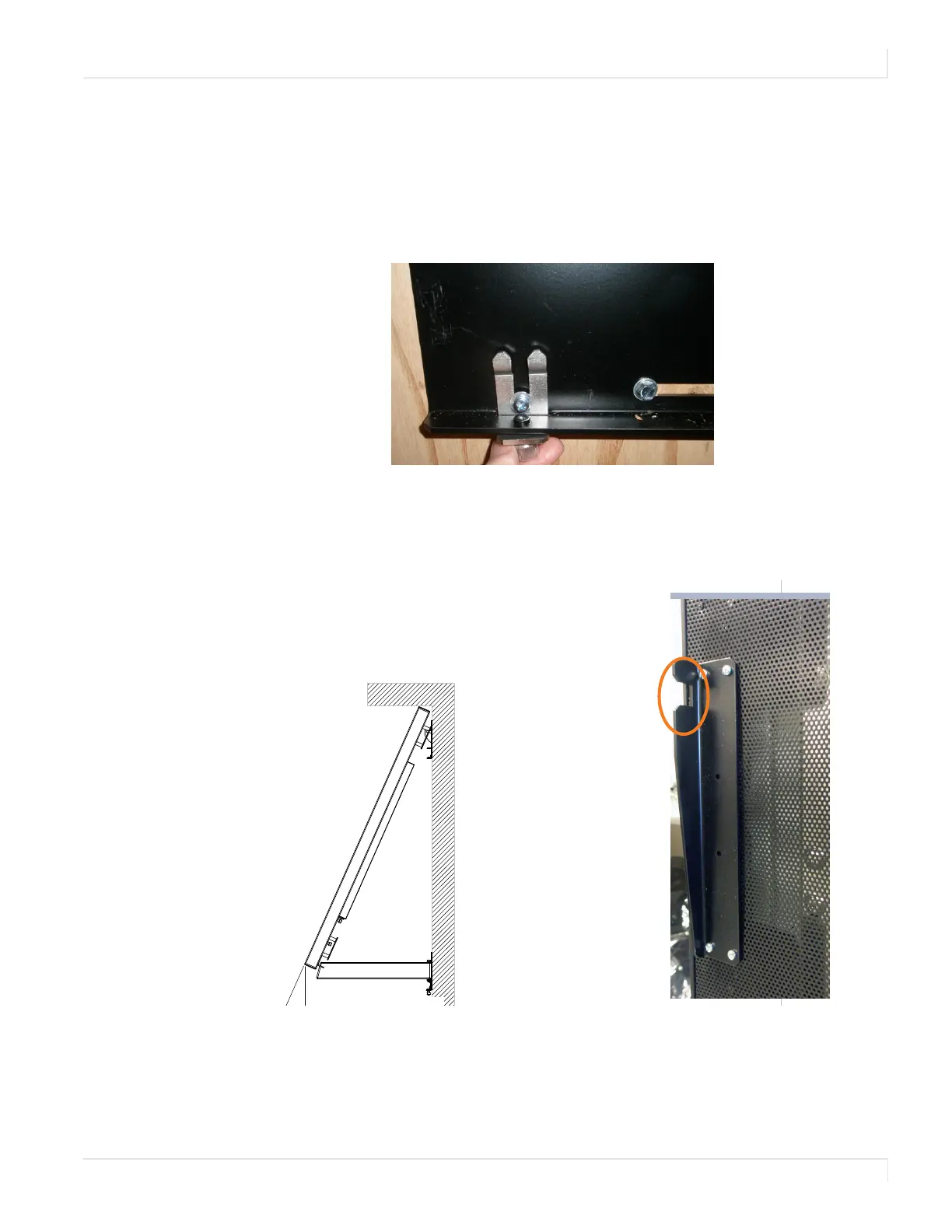
The kickstand bracket is used for service mode, without having to remove the display
from the wall. Use the following instructions to put the display in service mode.
1 Loosen the captive locking screws on both sides of the bottom mount, and let
the brackets hang down freely.
2 Pull the display out and then swing out the kickstand(s) to hold it in place. The
kickstand(s) will nest into the kickstand bracket notch(es). For 98" panels,
make sure to use both kickstands as using only one can cause stresses in the
panel that could cause damage.
%
&
Service position -
with kickstand
supporting display














 To Next Page