Installing USB Drivers
Planar UltraRes User Manual 65
Using the UltraRes Control
Software
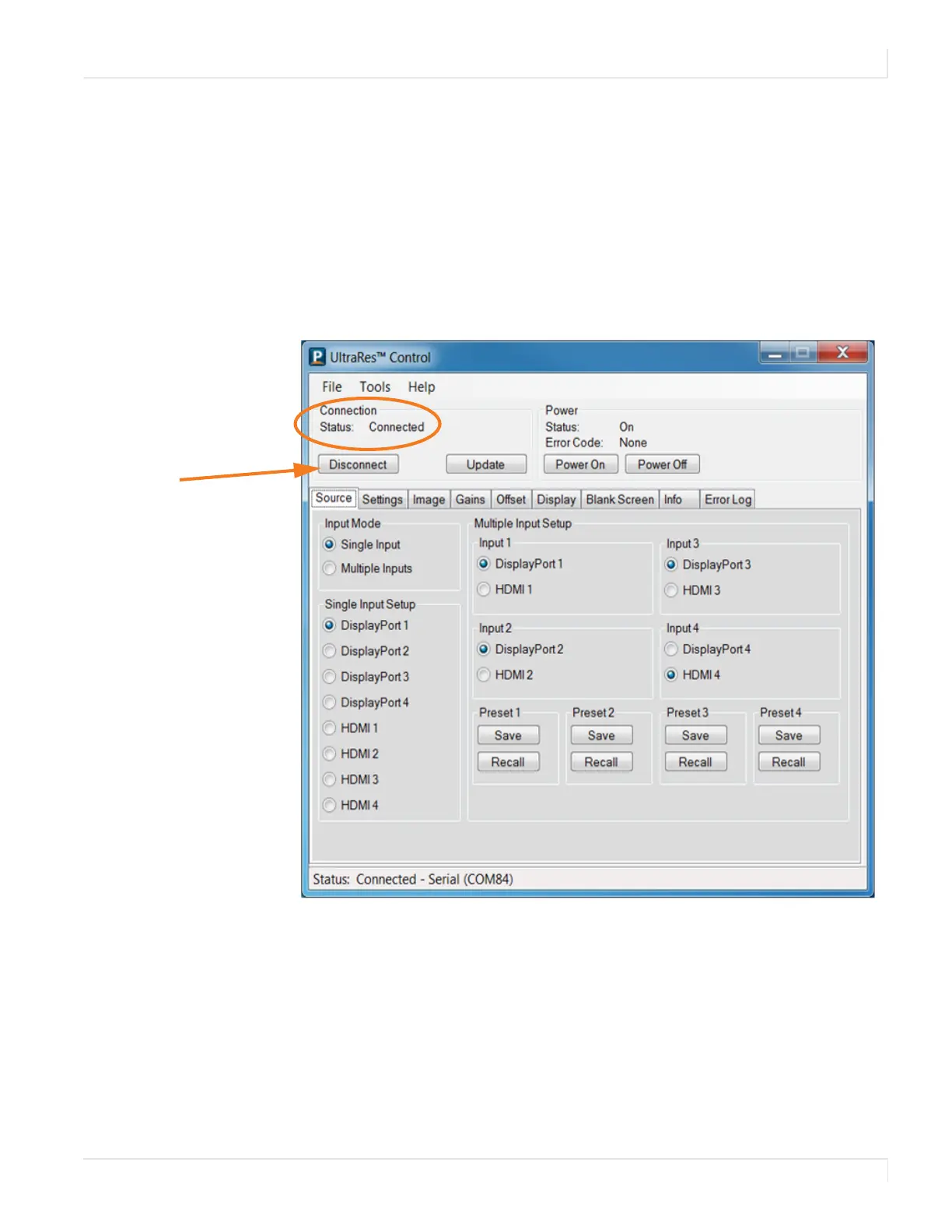
When you first open the UltraRes Control software, you will see a window similar to
the following. Notice that until you connect the inputs to the display, the “Status” at
the top of the window will show “Disconnected.”
1 Connect from the PC on which the software is installed to the UltraRes display
using a USB connection.
2 Click the Connect button to start the connection process.
This is the “Connect” button
when you first open the
software.














 To Next Page