Static IP Network Setup
Planar UltraRes User Manual 82
Static IP Network Setup
If DHCP is unsuccessful, the Remote Monitoring Ethernet interface defaults to a static
IP address of 192.168.12.12/24.
1 The PC must be configured to an IP address on the 192.168.12 network. We
recommend 192.168.12.100.
2 Assuming the operating system is Windows 7, you can follow these
instructions to configure the PC network interface.
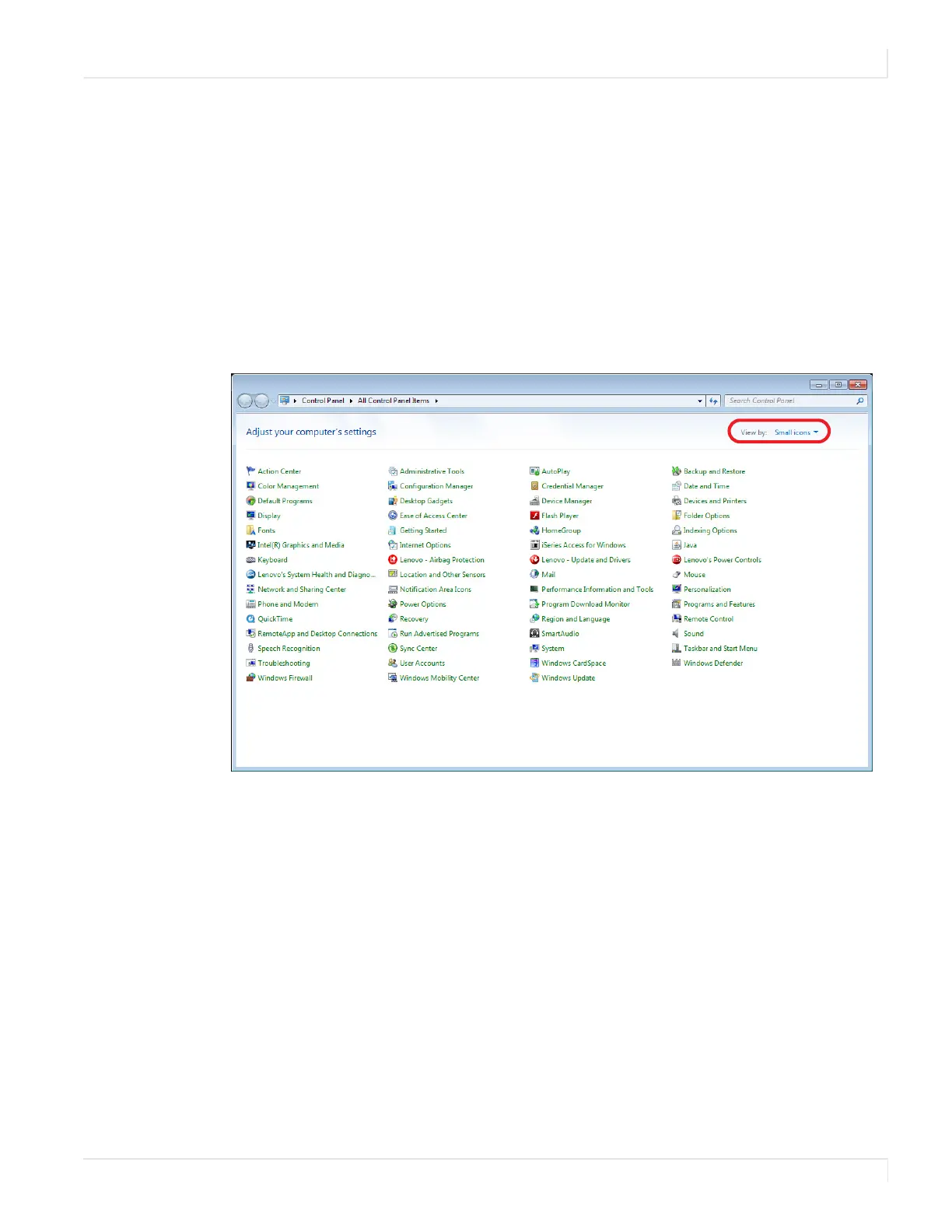
3 On the PC, select Start, Control Panel and choose the View by dropdown in
the top right corner of the window. Choose large icons or small icons.














 To Next Page