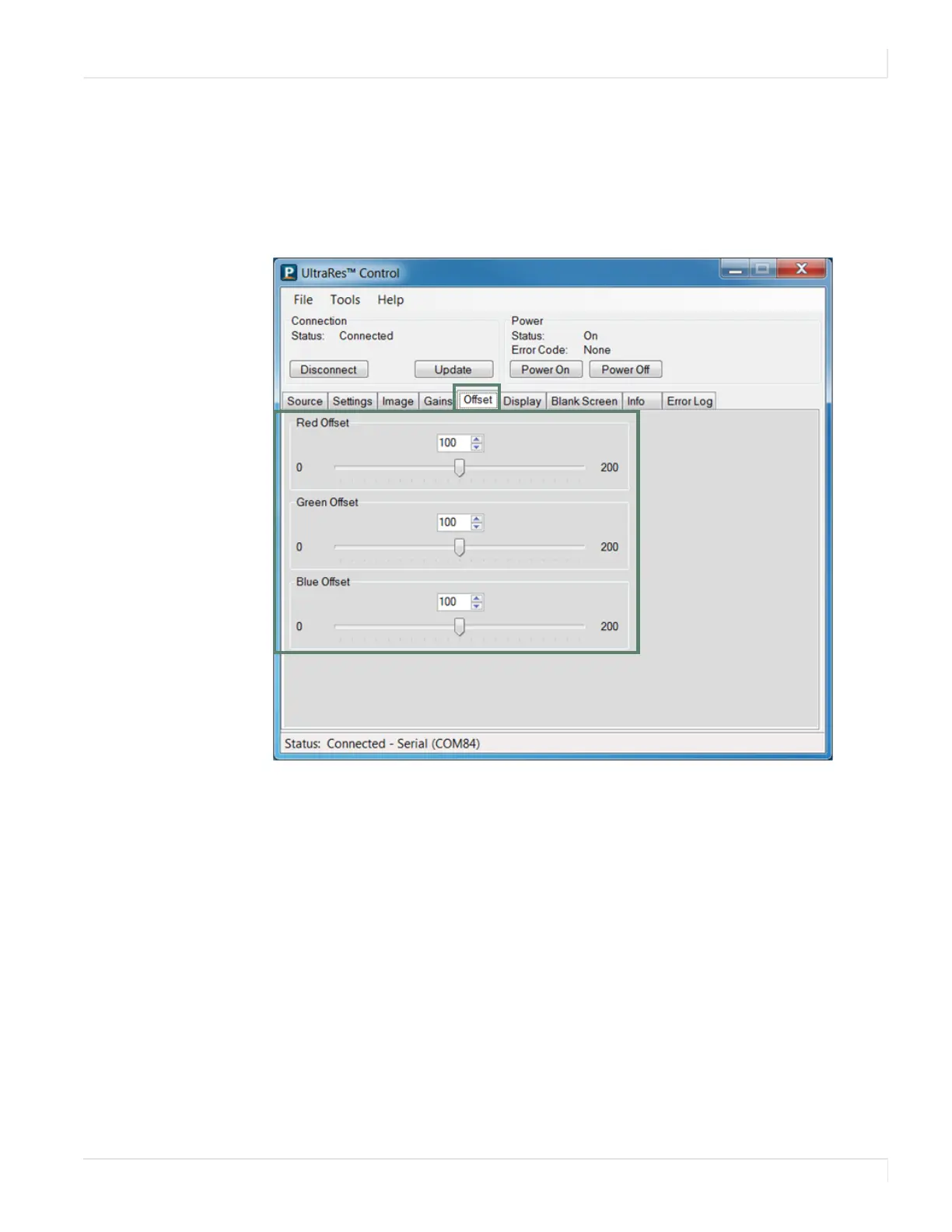
Offset
Planar UltraRes User Manual 74
Offset
The Offset tab corrects for color imbalances in the dark areas of the image. A good
way to do this is to use a test pattern consisting mostly of dark gray areas, such as a
30 IRE “window” pattern. If the gray areas contain traces of red, green, or blue,
decrease the Offset for that color. Do the Gain adjustment first, then the Offset.














 To Next Page