Changing Backlight Intensity
Planar UltraRes User Manual 75
Changing Backlight Intensity
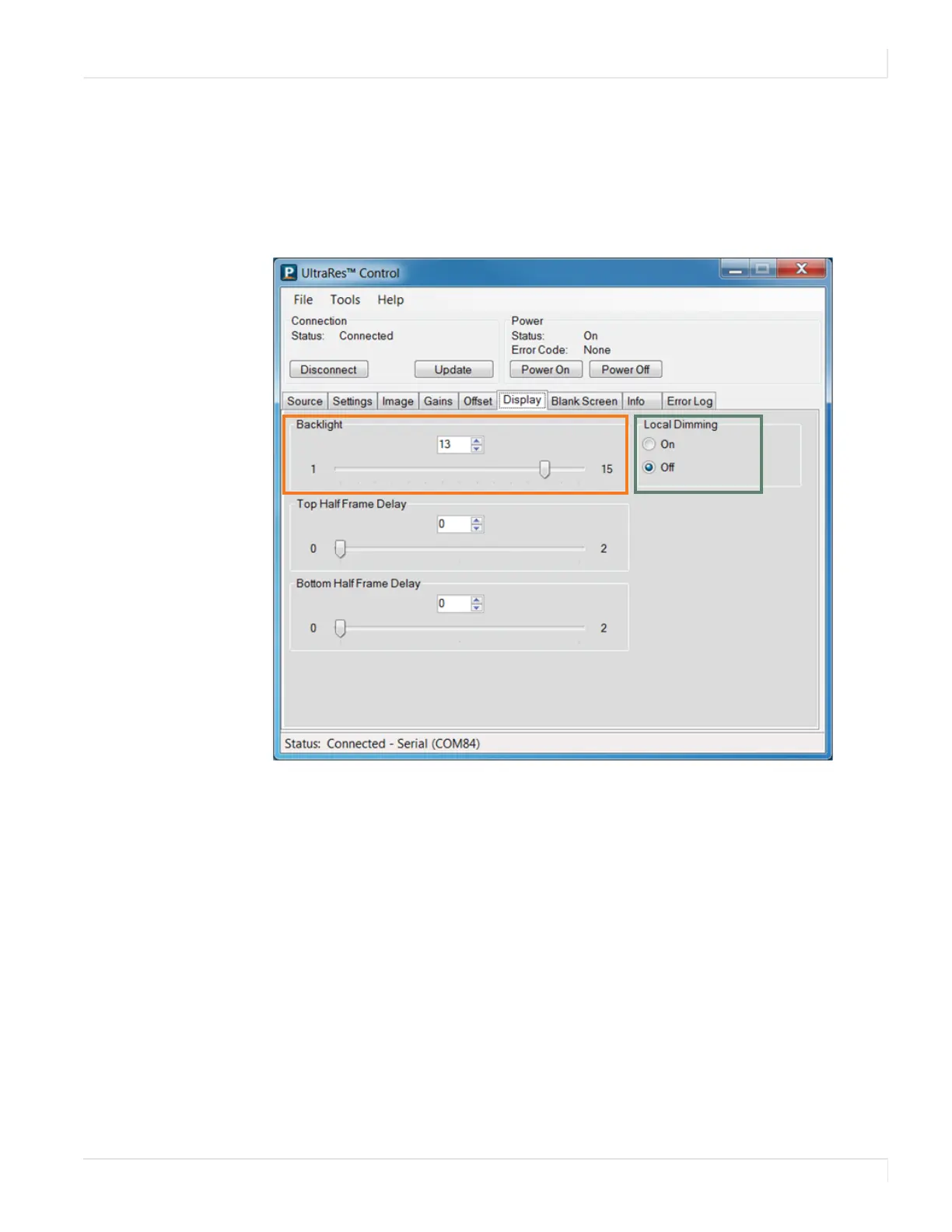
To change the brightness of the display, use the Backlight control on the Display tab.
If you want a brighter display, move the slider towards a higher number. If you want
to conserve power and increase backlight life, move the slider towards a lower
number.
Turning Local Dimming On or Off
Local Dimming allows the LED edge lighting to adjust dynamically depending on
the content of the source. Turning this feature on shows darker black levels, which in
turn has a higher contrast ratio.














 To Next Page