Installing an UltraRes Display on a Wall
Planar UltraRes User Manual 35
Caution: Be sure these are securely hung, as the top of the wall mount will hold all of the
weight of the display.
As an alternative for the 98" model, you can use the lift blocks along with a lift
assist mechanism to lift the panel into place. For details, refer to "Using the Lift
Blocks (98” only)" on page 36.
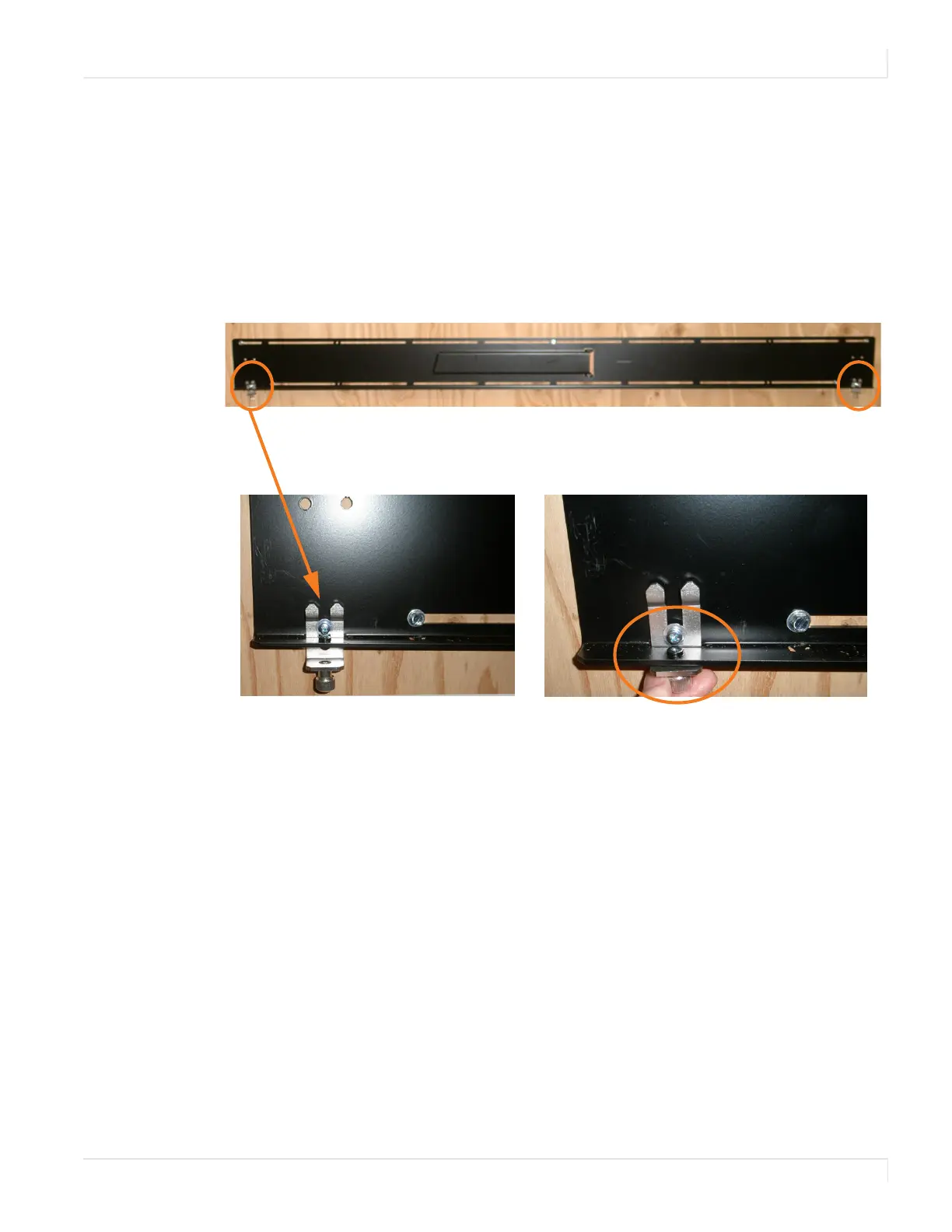
15 On the bottom wall mount, there is locking hardware in the lower corners of
the mount. Push the hardware up and finger tighten the captive screws on
the bottom to secure the display to the wall.














 To Next Page