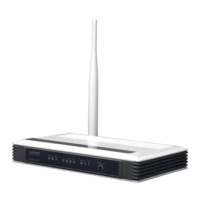
User Manual of VDR-300NU
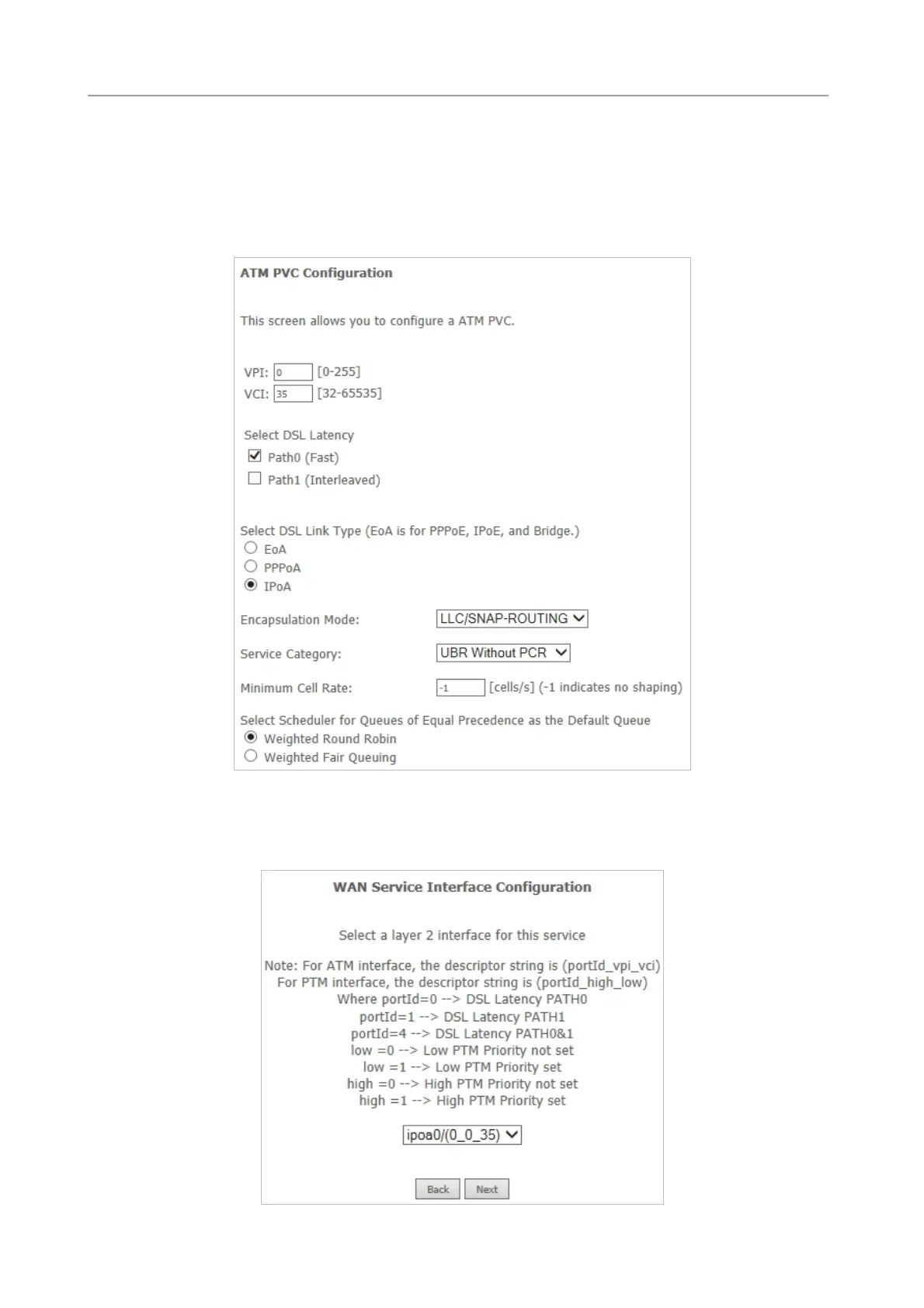
Step1 Choose Advanced Setup > Layer2 Interface > ATM Interface to dsiplay the DSL ATM Interface
Configuration page. On this page, you need to add a PVC for IPoA mode. Click the Add button.
Step2 Select the DSL link type to be IPoA, and select the encapsulation mode to be
LLC/SNAP-ROUTING (according to the uplink equipment). After finishing setting, click the
Apply/Save button to save the settings
Figure 5-2-30
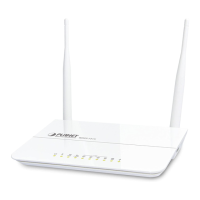
Step3 Choose WAN Service and click Add to display the following page.
Figure 5-2-31
53


 To Next Page