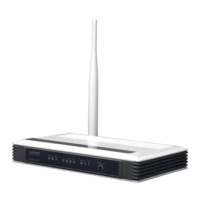
User Manual of VDR-300NU
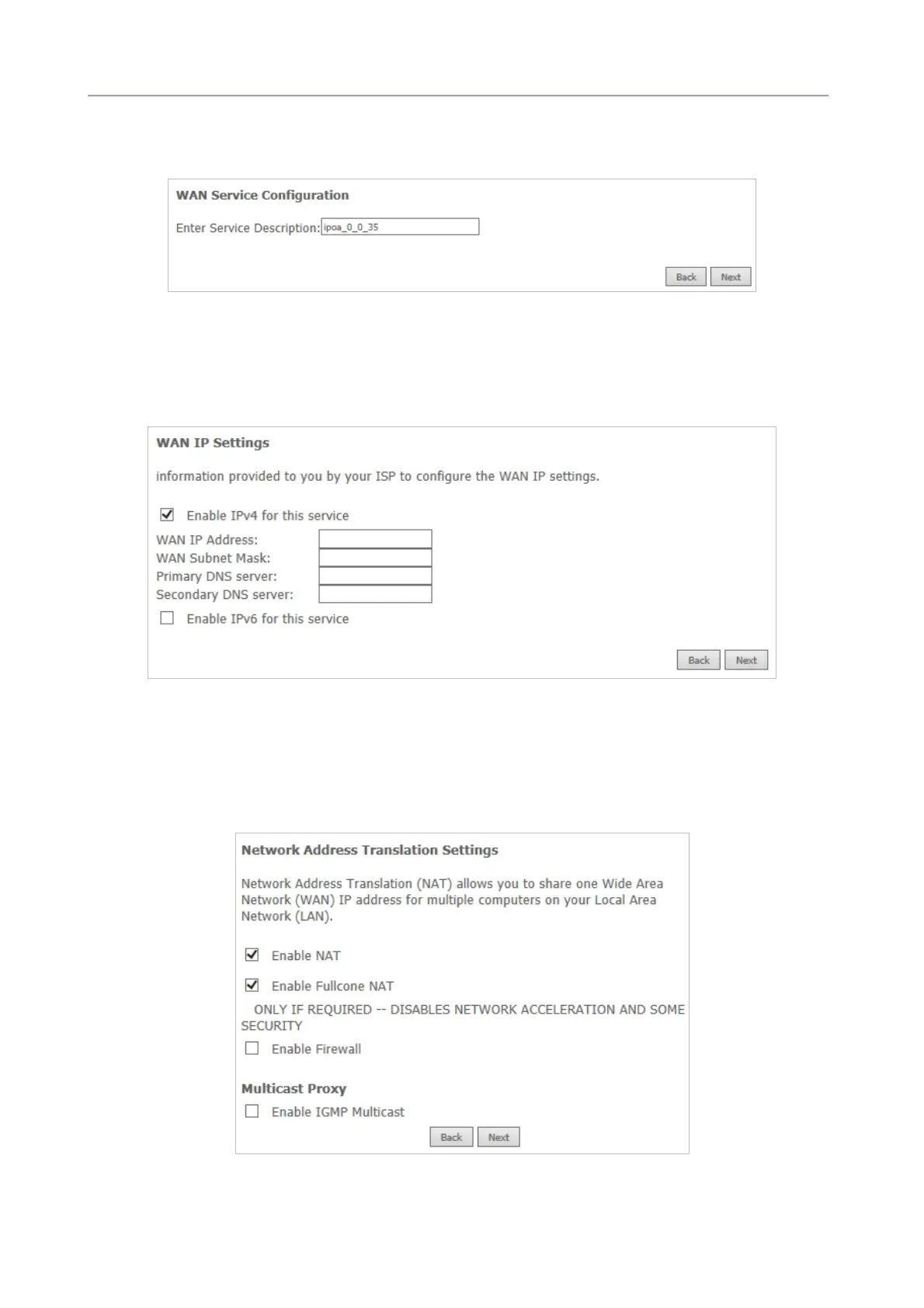
Step4 Select the proper interface
for the WAN service and then click Next to display the following page.
Figure 5-2-32
Step5 On this page, you may modify the service description. Enter the WAN IP address, the WAN subnet
mask, and primary DNS server provided by your ISP.
Figure 5-2-33
Step6 If you do not want to enable NAT, and wish the user of modem to access the Internet normally, you
need to add a route on the uplink equipment. Otherwise, the access to the Internet fails. Normally,
please enable the NAT function. After finishing setting, click Next.
Figure 5-2-34
54


 To Next Page