Chapter E - DIMAX3 DIGITAL SYSTEM ADJUSTMENT
Planmeca Proline EC X-ray unit E-19
CALIBRATING PANORAMIC SENSOR HEAD
Technical Manual
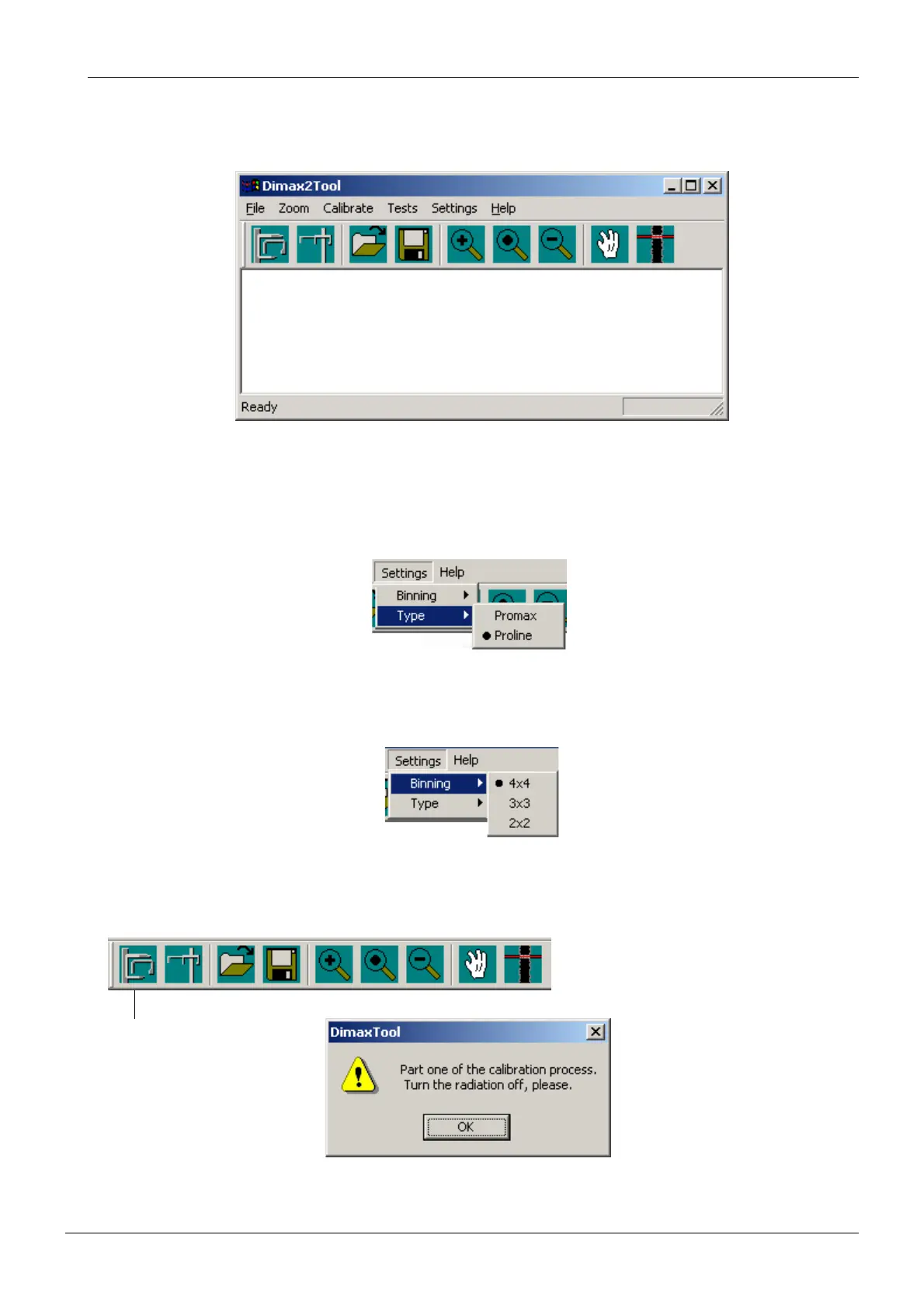
Start the Dimax3 calibration program by double-clicking the Dimax2Tool.exe program icon.
The Dimax2Tool window appears.
Figure 27
Calibrating the sensor head
Select Proline from the Settings / Type pulldown menu.
Figure 28
The calibration must be performed with both 3x3 (enhanced resolution) and 4x4 (normal res-
olution) binning. Select the binning from the Setting / Binning pulldown menu.
Figure 29
Click the Dimax3 panoramic exposure button. A dark current exposure (i.e. an exposure with-
out radiation) must be taken first and a message window shown below appears.
Figure 30
Dimax3 panoramic
exposure














 To Next Page