Chapter E - DIMAX3 DIGITAL SYSTEM ADJUSTMENT
E-40 Planmeca Proline EC X-ray unit
CEPHALOSTAT ADJUSTMENT
Technical Manual
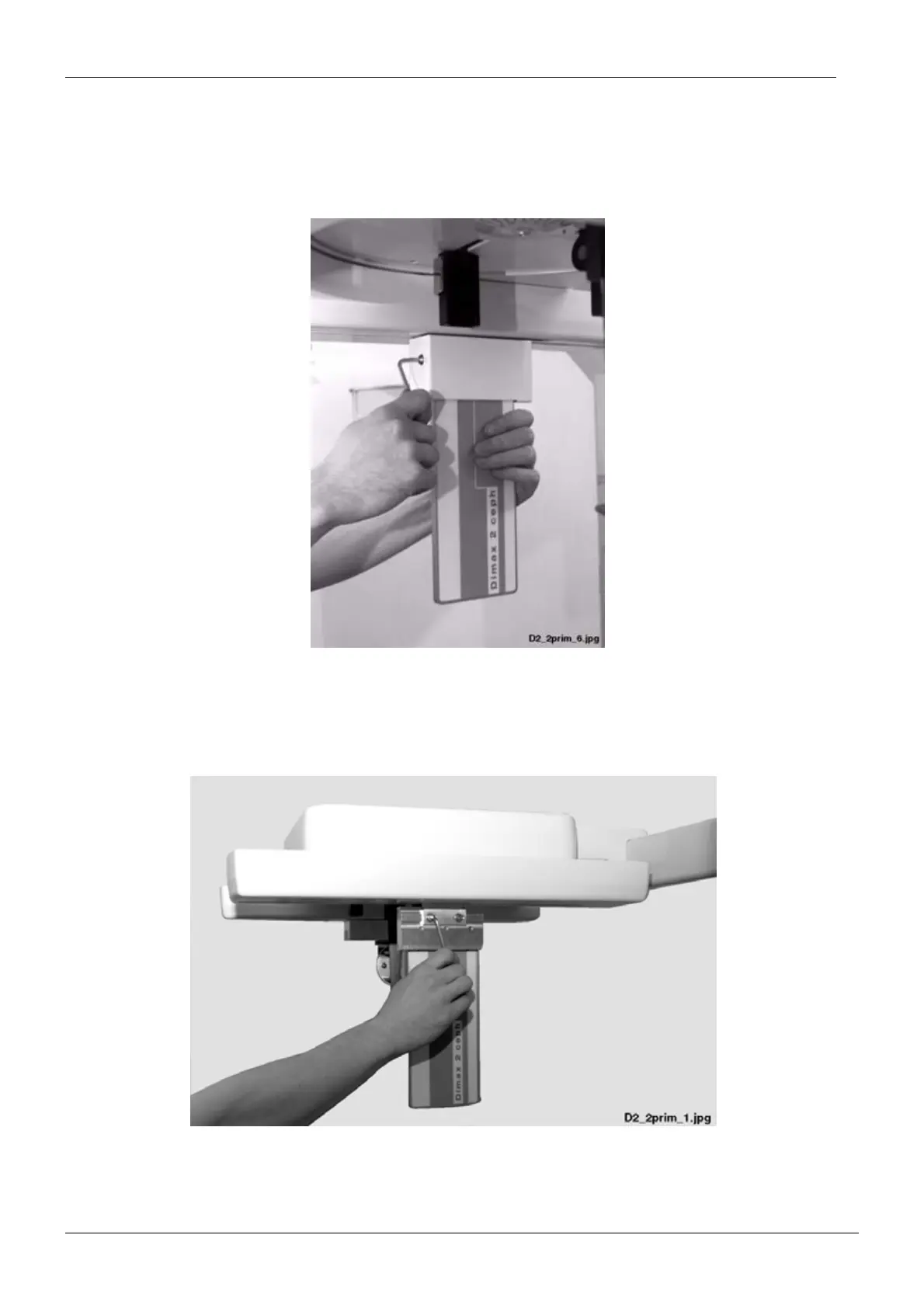
Removing the second primary slot
Remove the second primary slot from the cephalostat head support as follows. Unscrew the
primary slot cover attachment screw with the 4mm allen key and remove the slot cover.
Figure 71
Unscrew the two slot attachment screws with the 4mm allen key and detach the slot plate.
Figure 72














 To Next Page