Chapter E - DIMAX3 DIGITAL SYSTEM ADJUSTMENT
E-54 Planmeca Proline EC X-ray unit
CEPHALOSTAT ADJUSTMENT
Technical Manual
Press the ready key to drive the X-ray to the exposure position.
The text Exposure appears.
Figure 97
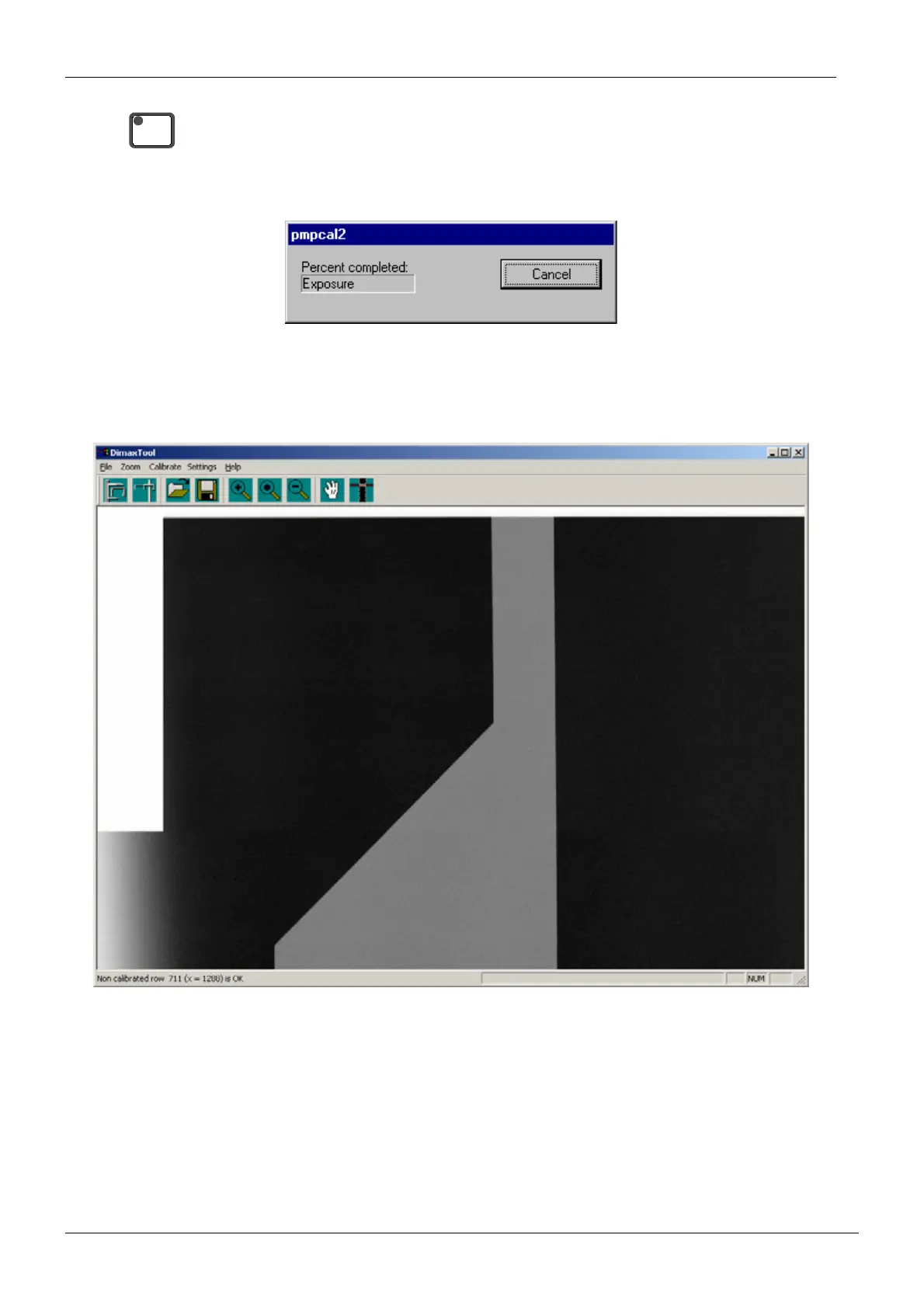
Take an exposure. The sensor head is now calibrated. After the exposure has been taken the
image is shown in the Dimax2Tool window. The triangle on the image must be even, without
any irregularities.
Figure 98
READY
PRET














 To Next Page