Chapter E - DIMAX3 DIGITAL SYSTEM ADJUSTMENT
Planmeca Proline XC X-ray unit E-35
PATIENT POSITIONING MECHANISM
Technical Manual
4 PATIENT POSITIONING MECHANISM
4.1 Checking the mechanism
You should take an exposure of the ball phantom to check that the patient positioning mecha-
nism is correctly positioned.
Figure 73
Remove the sensor alignment tool from the quick connector mechanism and attach the sen-
sor head to the quick connector.
Slide the ball phantom into the patient positioning mechanism.
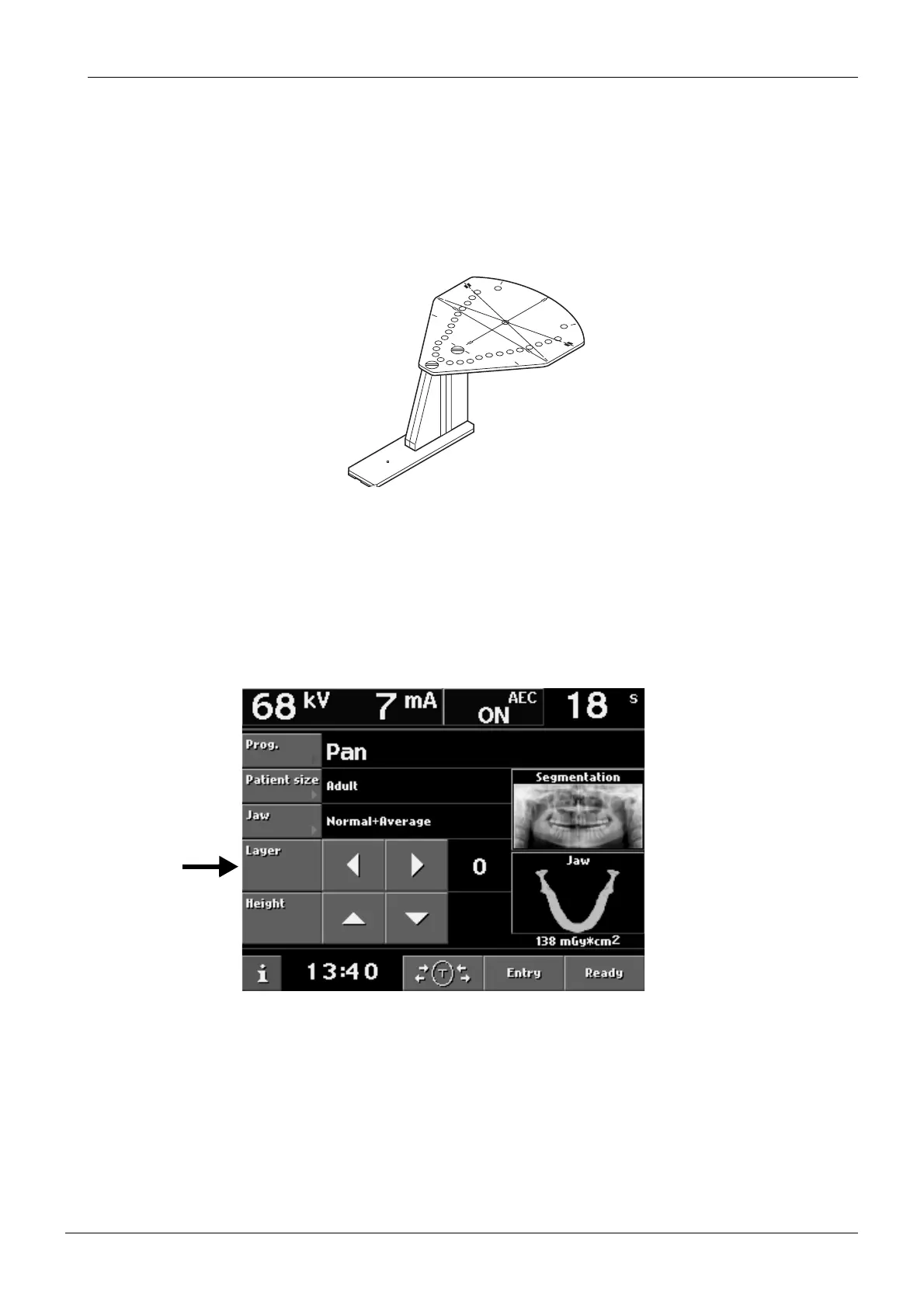
Set the position of the patient positioning mechanism to 0 with the Layer arrow fields. The
layer light should coincide with the vertical marker on the ball phantom. If not, calibrate this
layer position first.
Figure 74
S
TAR
T
E
N
D
PL
ANM
ECA
N
o.509
71
X
-L
IN
E
Y
-L
IN
E














 To Next Page