Chapter H - PARTS REPLACEMENT & REPAIR
Planmeca Proline XC X-ray unit H-11
REPLACING THE SOFTWARE
Technical Manual
5.3 GUI software
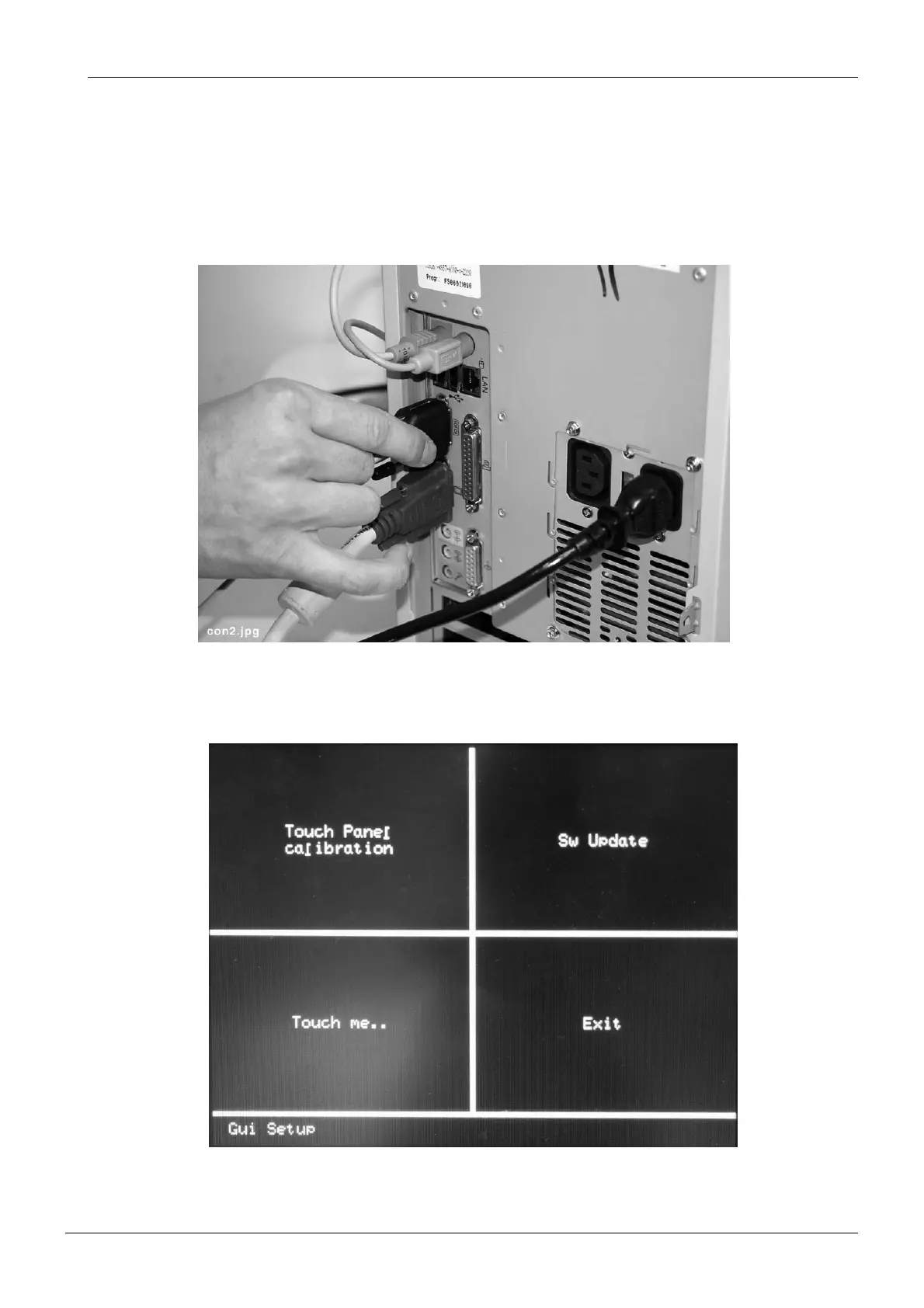
Switch off the X-ray unit. Connect the Software loading cable (Planmeca part number
10003926) to the PS/2 connector at the underside of the user interface.
Connect the other end of the Software loading cable to the computer serial port COM1 or
COM2.
Figure 9
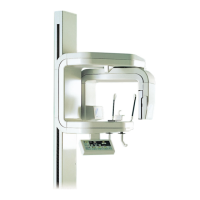
Touch the GUI with your finger and switch on the X-ray unit. You will hear a signal tone and a
display shown below appears.
Figure 10






 To Next Page