Chapter D - ADJUSTMENT & CALIBRATION
Planmeca Proline XC X-ray unit D-39
AUTOMATIC EXPOSURE CONTROL (AEC) CALIBRATION
Technical Manual
6.3 Adjusting the AEC-signals
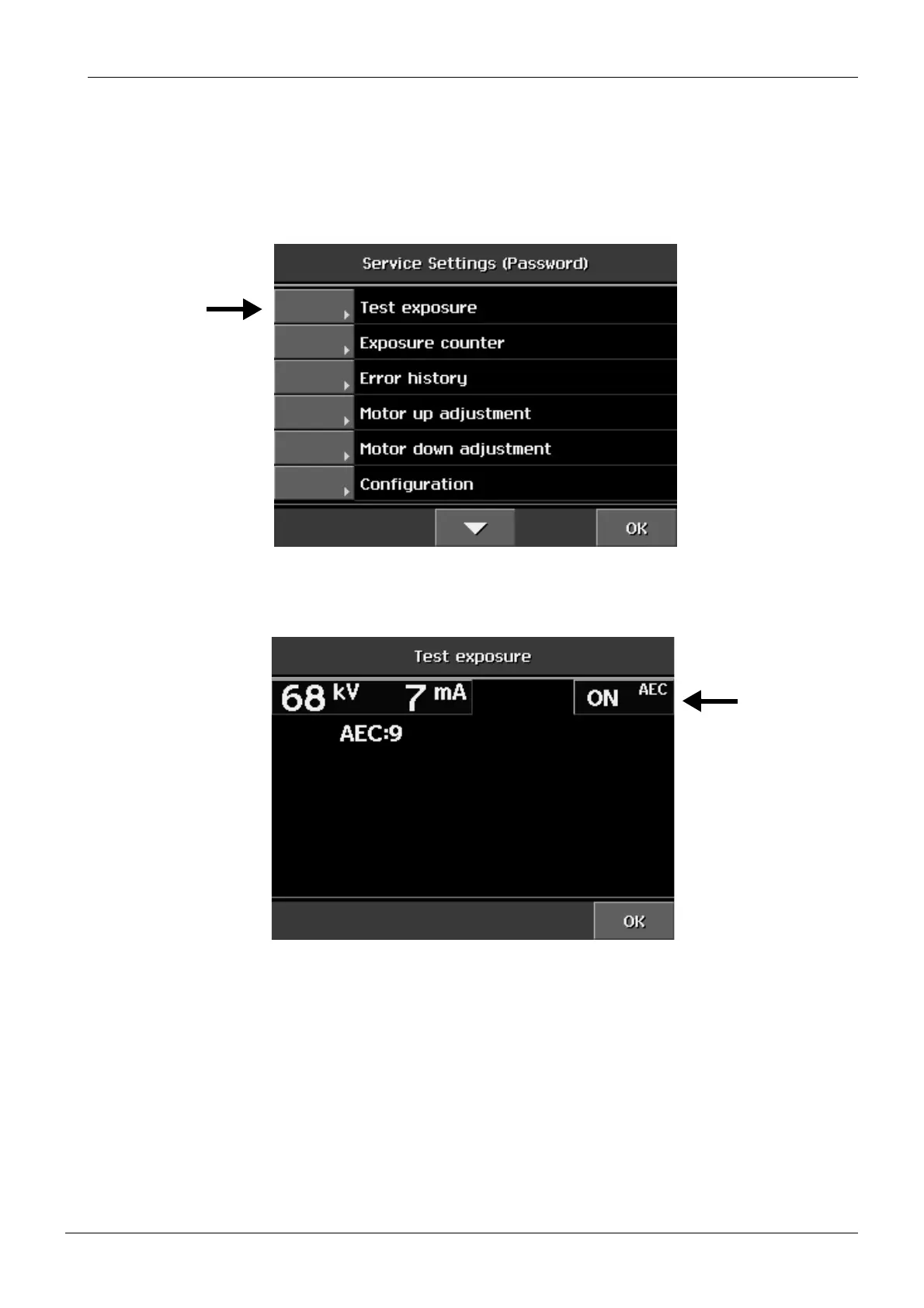
NOTE Take five 10 seconds exposures in the service settings mode with a kilovolt value of 68
and a milliampere value of 7 before adjusting the AEC-signals.
Enter the service settings mode. From the list of service settings select Test exposure.
Figure 67
The display shown below appears. Switch ON the AEC by touching the
AEC
field.
Figure 68














 To Next Page