Chapter E - DIMAX3 DIGITAL SYSTEM ADJUSTMENT
E-80 Planmeca Proline XC X-ray unit
CEPHALOSTAT ADJUSTMENT
Technical Manual
7.9 Calibrating the cephalostat sensor head
Remove the sensor alignment tool from the cephalostat quick connector mechanism and
attach the sensor head to the quick connector. Make sure that the second primary collimator
is attached to the cephalostat.
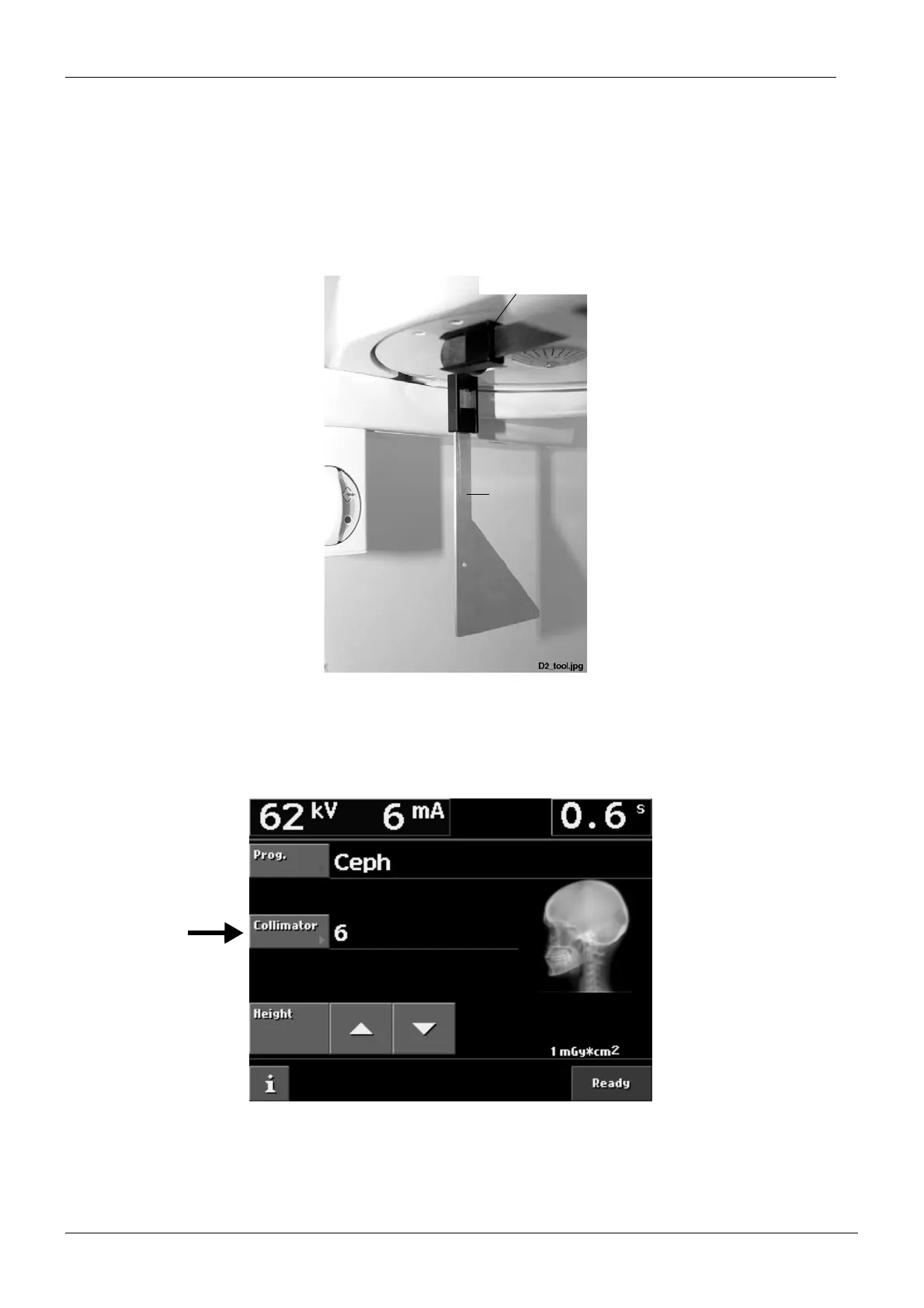
Remove the nasial positioner and the ear posts from their holders. Attach the cephalostat cal-
ibration tool to the right-hand ear post holder (near the sensor head).
Figure 148
Make sure that the second primary collimator is in its position.
Select Ceph exposure mode.
Select the collimator number 6.
Figure 149
Cephalostat
Nasial positioner
calibration tool














 To Next Page