Chapter B - GRAPHIC USER INTERFACE
B-10 Planmeca Proline XC X-ray unit
SERVICE SETTINGS
Technical Manual
2.2 Test exposure
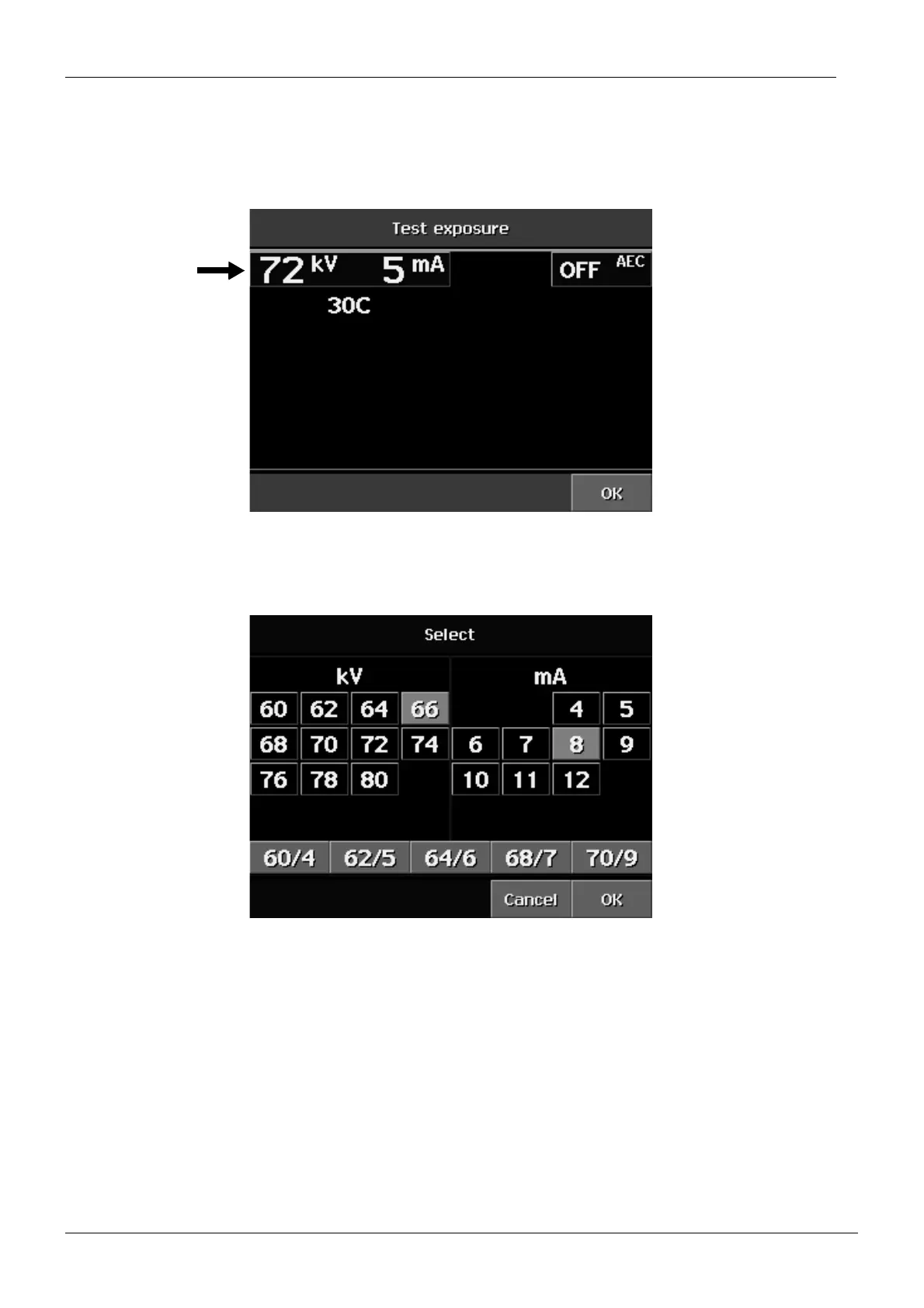
This option allows you to take a test exposure. Touch the kV / mA field to select the desired
exposure parameters. The tube head temperature is shown on this display.
The display shown below appears. Select the exposure parameters and touch the OK field.
Note that in the test exposure mode the 2 mA and 3 mA values can be selected.
Touch the OK field on the Test exposure display. The test exposure can now be performed.














 To Next Page