Chapter B - GRAPHIC USER INTERFACE
B-8 Planmeca Proline XC X-ray unit
SERVICE SETTINGS
Technical Manual
2 SERVICE SETTINGS
NOTE AFTER BEING IN THE SERVICE SETTINGS MODE, SWITCH OFF THE X-RAY UNIT AND
SWITCH IT ON AGAIN AFTER A 10 SECONDS’ DELAY BEFORE USING THE X-RAY UNIT
IN THE NORMAL MODE.
CAUTION Some of the functions in the service settings mode may be fatal to the unit’s proper
operation. Never use special service settings if you are not familiar with how they oper-
ate. The service settings mode is only intended for a trained technician.
CAUTION Operating the exposure switch will immediately start the X-Ray generator.
NOTE The operations of the rotation and cassette motors are disabled in this mode to allow
generator operation without movements.
For further diagnosis of the equipment operation a separate service settings mode has been
provided. Various kinds of adjustments and calibrations can also be made in this mode.
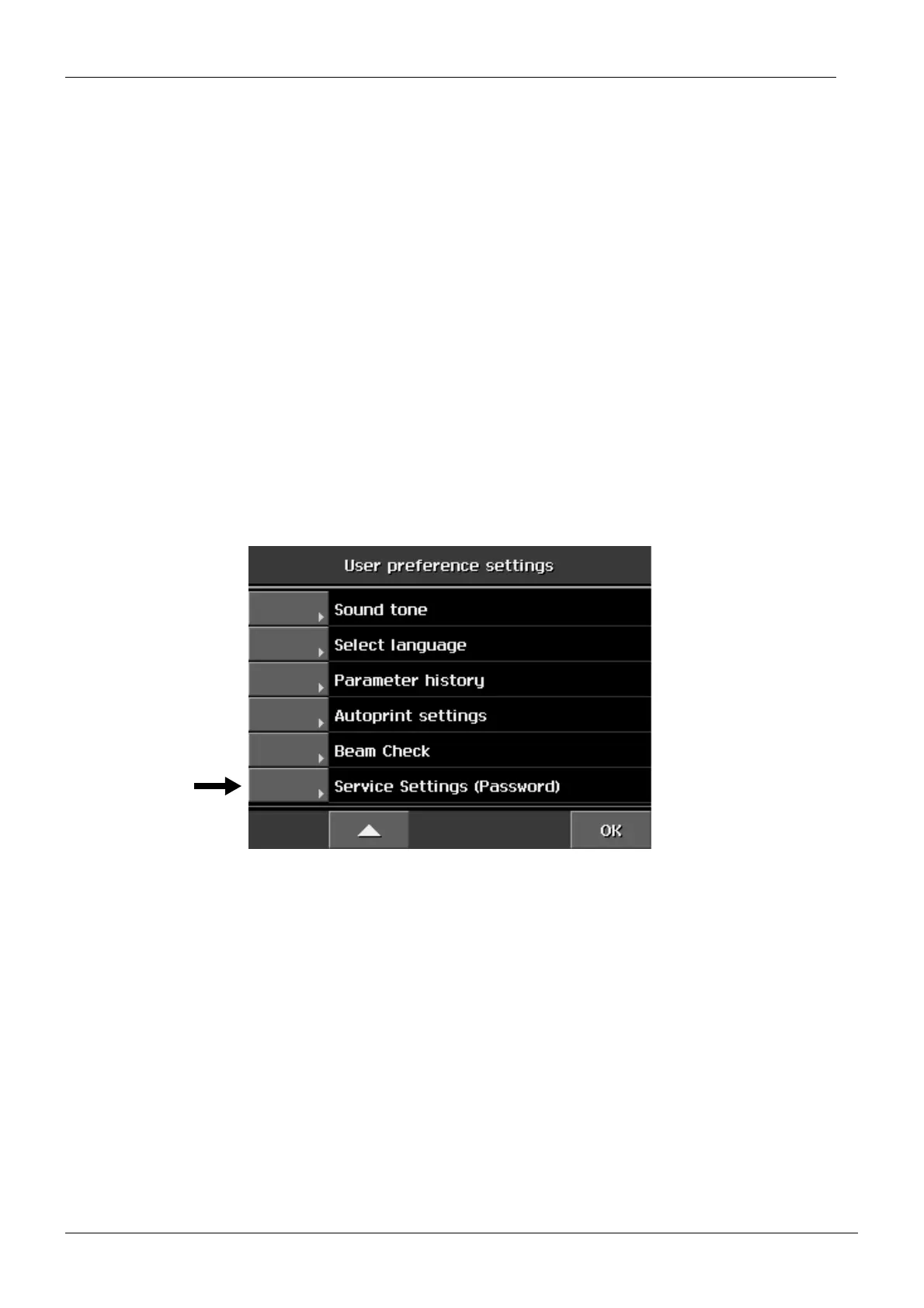
2.1 How to enter/exit the service settings mode
From the list of User preference settings select
Service settings (password).














 To Next Page