Chapter D - ADJUSTMENT & CALIBRATION
D-44 Planmeca Proline XC X-ray unit
CEPHALOSTAT ADJUSTMENT
Technical Manual
7.2 Checking the head support position
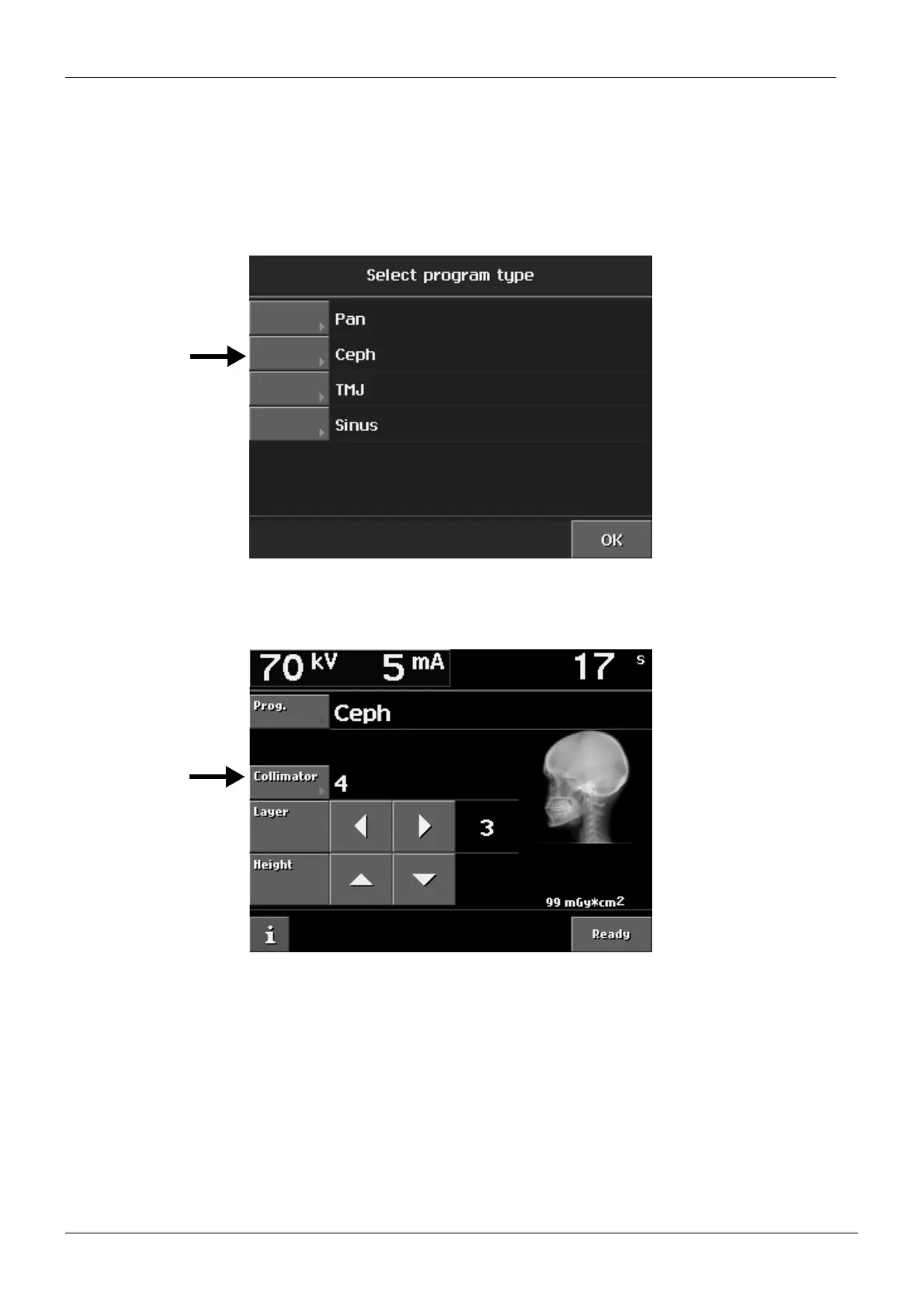
Select the Cephalostat program as follows. Touch the Prog. field on the main display.
The Select program type appears. Select Ceph. The rotating unit will move automatically to
the correct position for taking cephalometric exposures.
Figure 73
Select the collimator number 4.
Figure 74
Remove the tube head covers and cassette carriage covers (see sections 1.3 “Tube head
covers” on page H-3, 1.1 “Secondary collimator cover” on page H-1 and 1.2 “Cassette car-
riage back cover” on page H-2).














 To Next Page