Chapter D - ADJUSTMENT & CALIBRATION
Planmeca Proline XC X-ray unit D-31
PATIENT POSITIONING LIGHTS
Technical Manual
5 PATIENT POSITIONING LIGHTS
5.1 Checking the lights
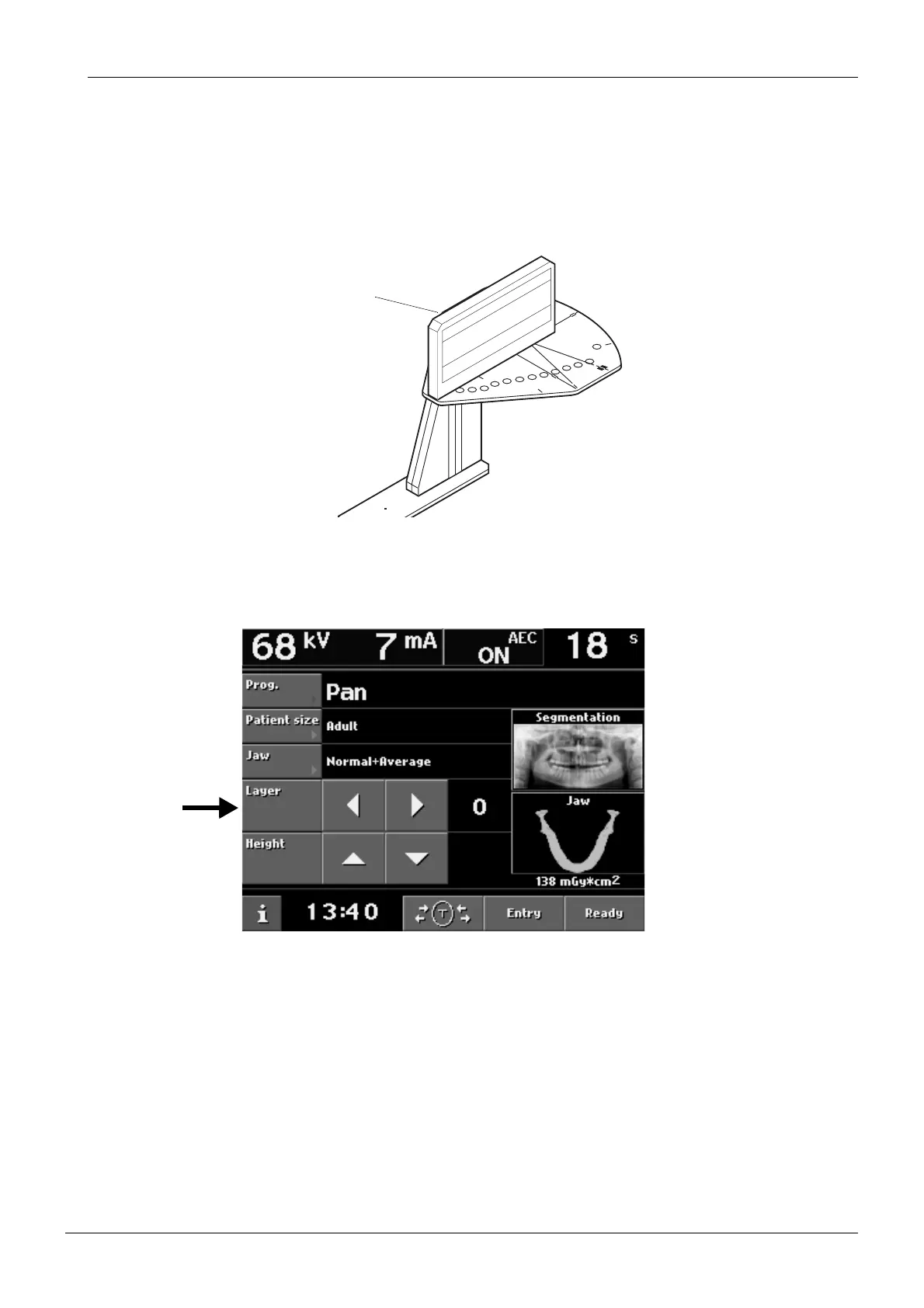
Place the Frankfort plane alignment tool into position on top of the ball phantom.
Figure 56
Touch either of the Layer arrow fields to switch the positioning lights on and then a second
time to drive the patient positioning mechanism to 0 if it is not already there.
Figure 57
START
END
PLANM
EC
A
No.50971
X-LINE
Y-LINE
PLANMECA OY
NO.50977
Frankfort plane
alignment tool














 To Next Page