Chapter B - GRAPHIC USER INTERFACE
Planmeca Proline XC X-ray unit B-11
SERVICE SETTINGS
Technical Manual
2.3 Exposure counter
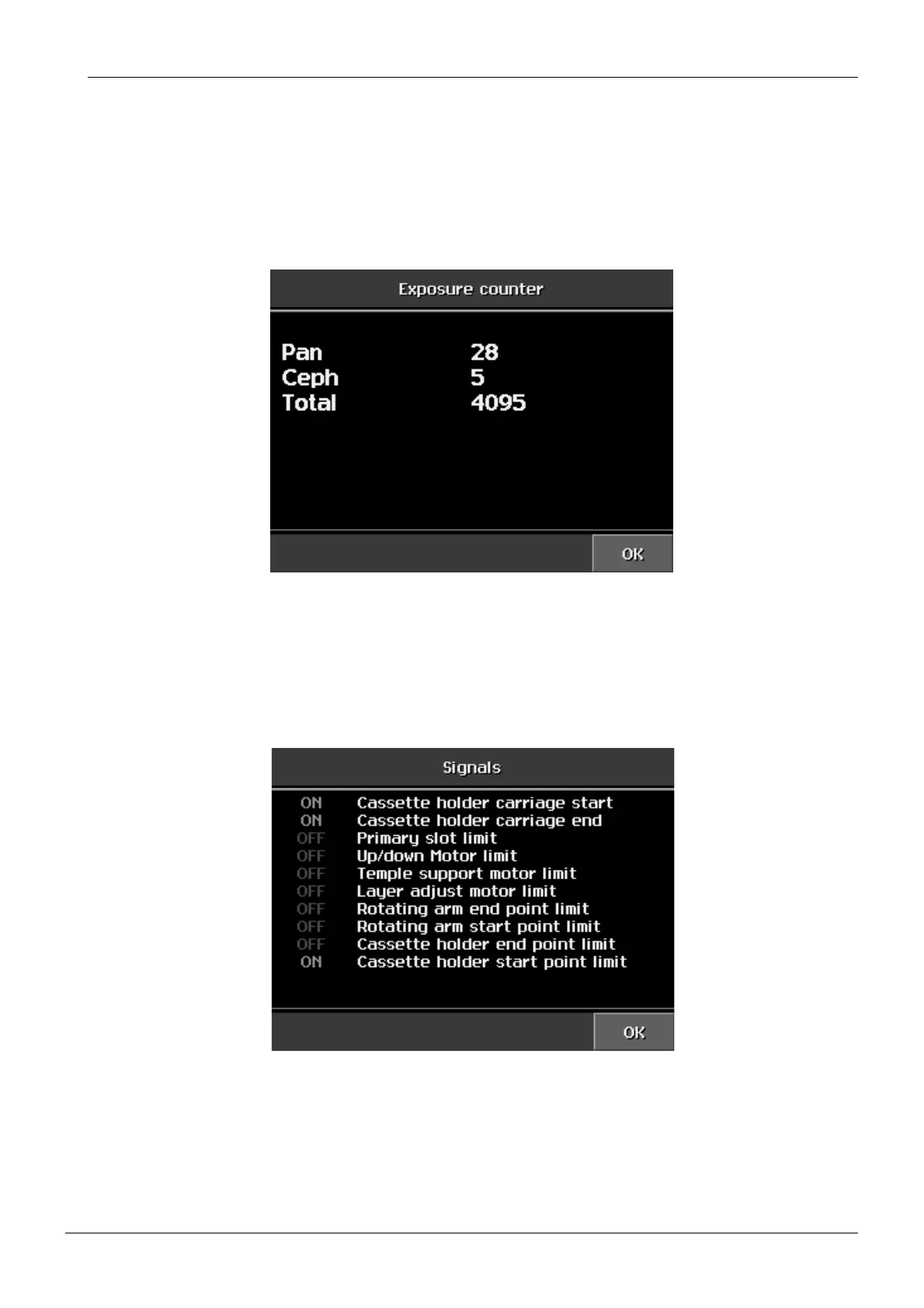
In the exposure counter mode it is possible to verify the number of exposures taken. There
are three counters in the system, one counting the normal panoramic exposures, one count-
ing the cephalostatic exposures (only in Planmeca Proline XC Pan/Ceph X-ray unit) and one
counting each exposure (also the ones made in the service settings mode). Exposures that
caused an error and were interrupted are not counted.
NOTE The exposure counter can be cleared on the Factory preset window by touching the
Exposure counter button.
2.4 Signals display
The X-ray unit’s sensor signals are shown on the Signals display.
When the sensor is active the text ON appears beside the sensor name:
• The cassette holder carriage start (panoramic) point limit sensor operation. (Only in Plan-
meca Proline XC Pan/Ceph X-ray unit)
• The cassette holder carriage end (cephalometric) point limit sensor operation. (Only in
Planmeca Proline XC Pan/Ceph X-ray unit)














 To Next Page