Chapter D - ADJUSTMENT & CALIBRATION
D-38 Planmeca Proline XC X-ray unit
AUTOMATIC EXPOSURE CONTROL (AEC) CALIBRATION
Technical Manual
Compare the film to the reference film: the film must be as dark as the reference film. Repeat
the procedure with different mA values until the correct film density (1.0 ±0.1 OD) is achieved,
and then select the density value that gives the right mA value as follows.
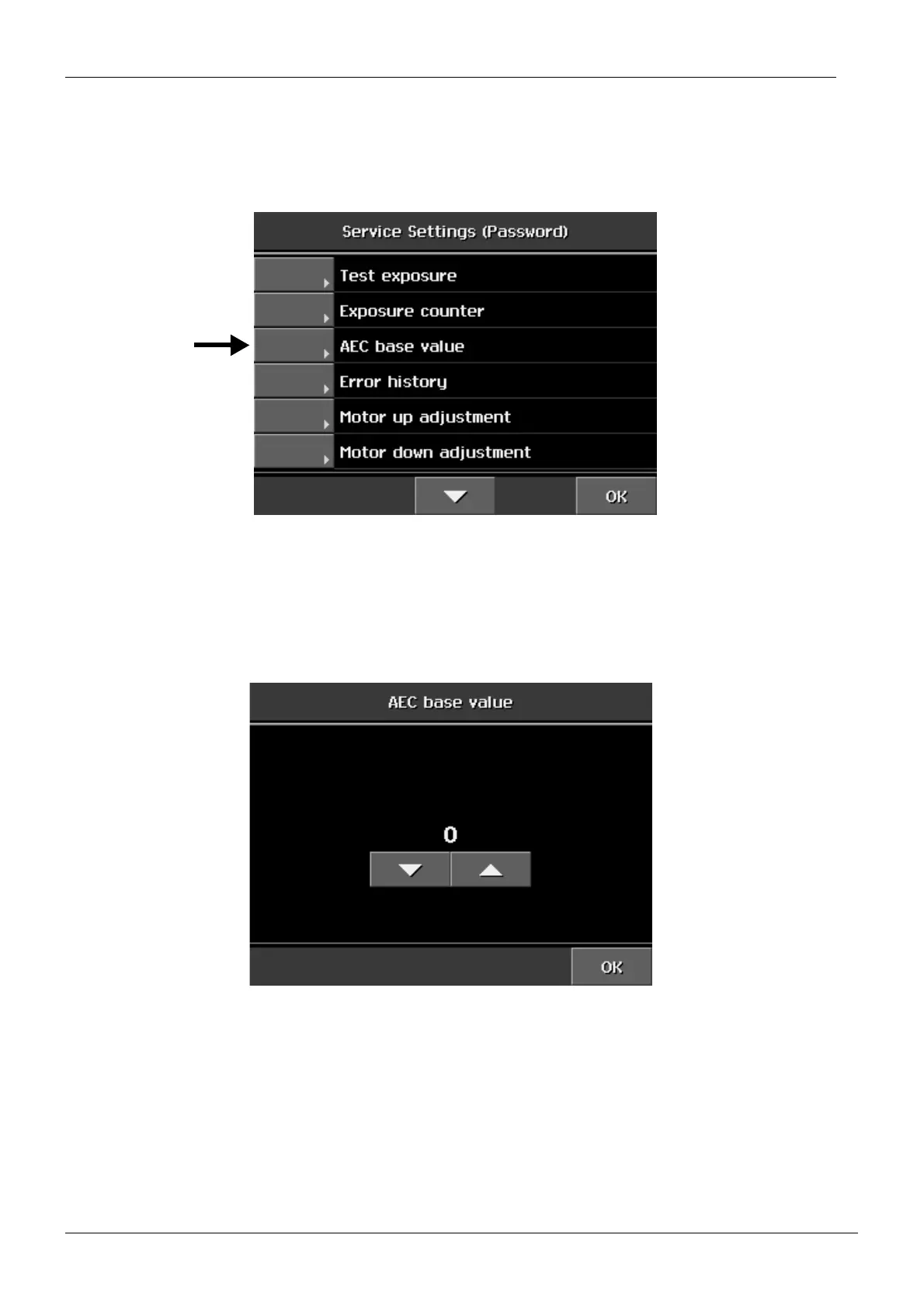
Enter the service settings mode. From the list that appears select AEC base value.
Figure 65
The number above the arrow fields indicates the density value. Change the value with the
arrow fields.
Figure 66
Select the density value that corresponds the mA value, e.g. if the mA value is 7mA, select
the density value -1.
Exit the film density adjustment mode by touching the OK field.














 To Next Page