Chapter D - ADJUSTMENT & CALIBRATION
Planmeca Proline XC X-ray unit D-5
PANORAMIC X-RAY BEAM ADJUSTMENT
Technical Manual
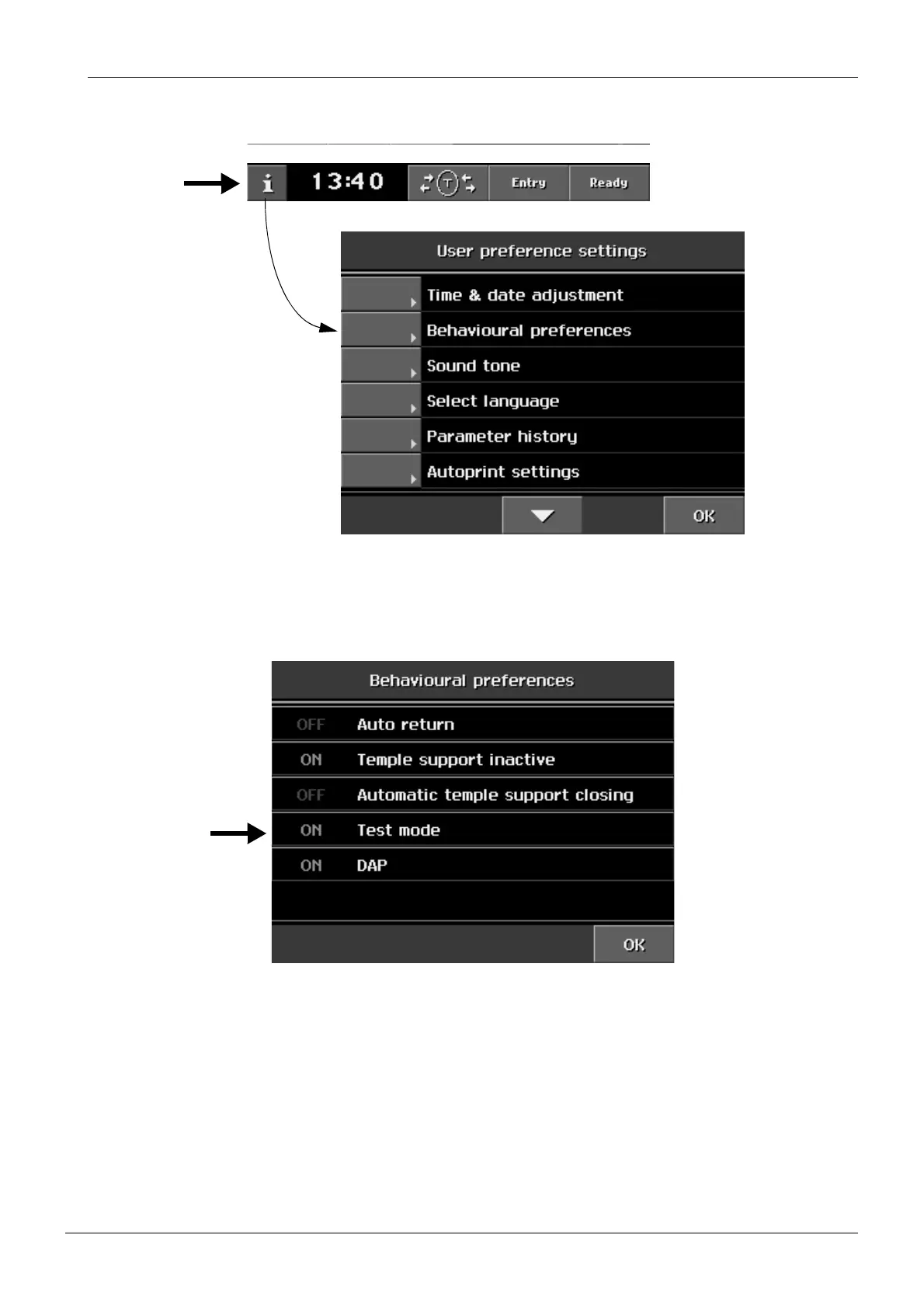
Select the Test mode as follows. Touch the i-field on the
Main
display. The list of User set-
tings appears.
Figure 9
From the list of User settings select
Behavioural preferences
. The display shown below
appears. Touch the Test mode field to enable the test mode (ON). Return to the main display
by touching the OK field.
Figure 10














 To Next Page