Chapter D - ADJUSTMENT & CALIBRATION
D-18 Planmeca Proline XC X-ray unit
PATIENT POSITIONING MECHANISM
Technical Manual
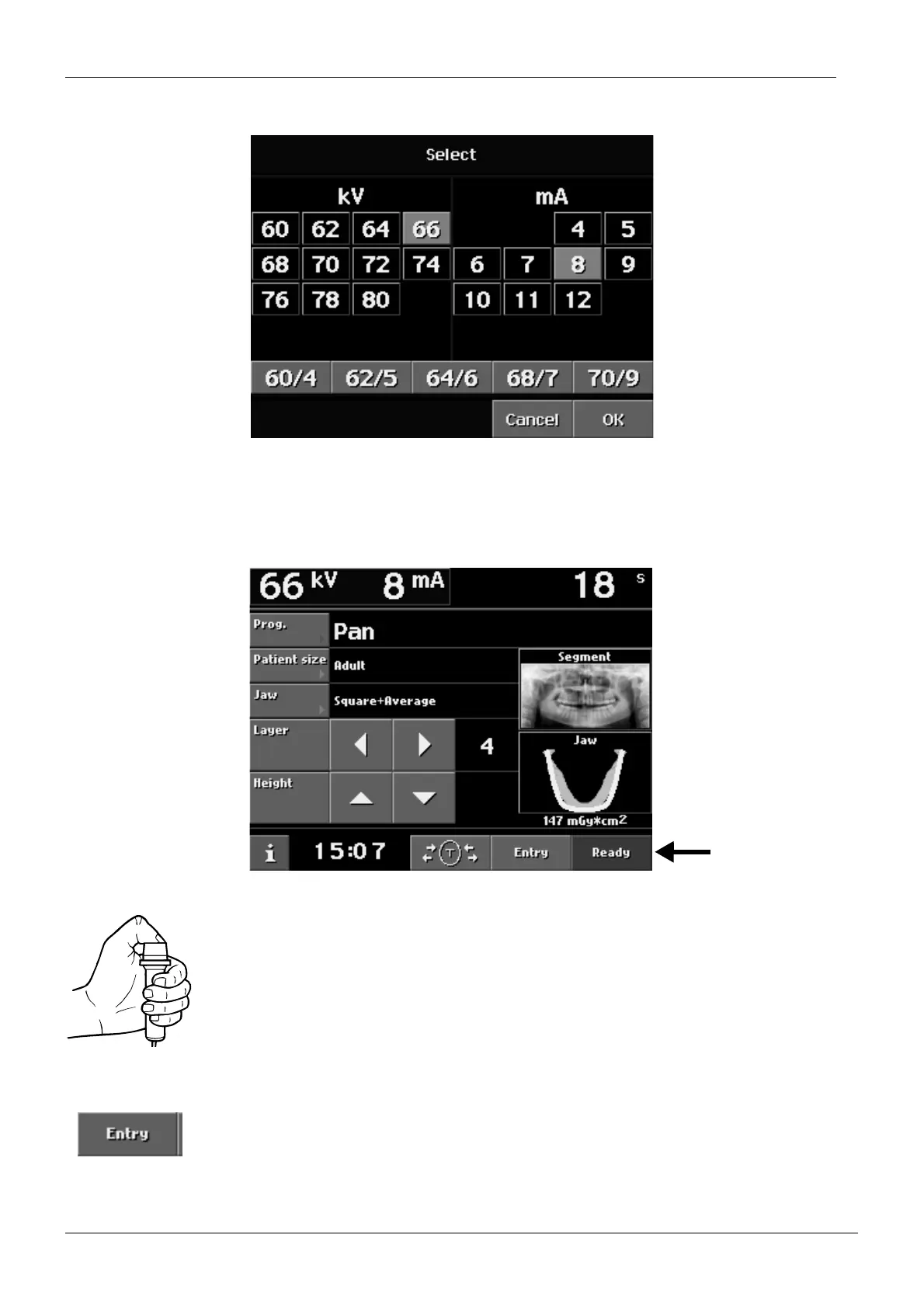
Select a kilovolt value of 60 and a milliampere value of 2. Touch the OK field.
Figure 33
On the Test exposure display touch the OK field.
Touch the ready field to drive the X-ray unit into the exposure position. The rotating unit will
move to ready position.
Figure 34
Take an exposure. Hold the exposure down for the duration of the exposure.
CAUTION Radiation is generated when exposure button is pressed.
Touch the Entry field to drive the cassette to the loading position, remove the cassette and
process the film.














 To Next Page