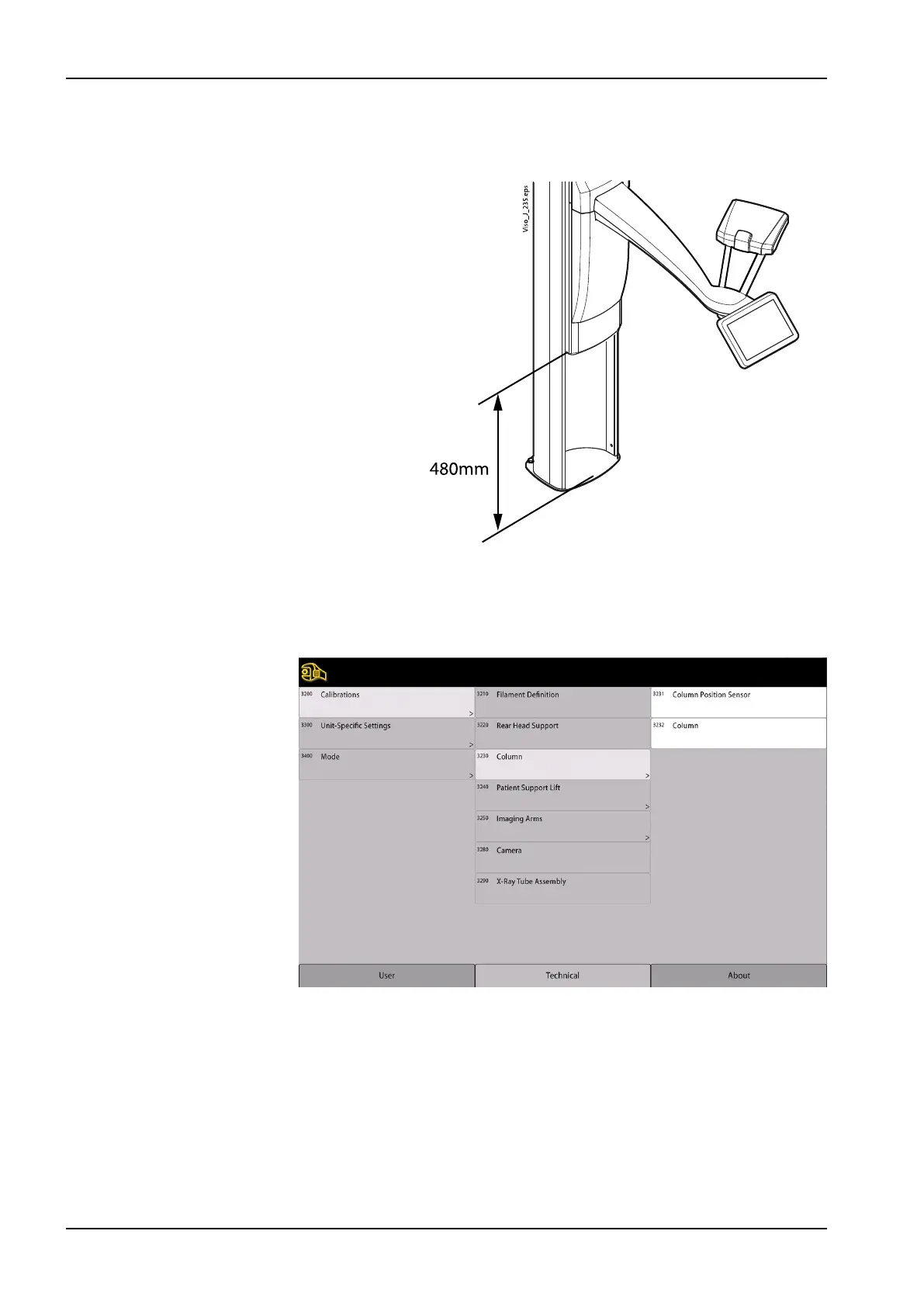
2. Using the height adjusting buttons, drive the moving column into position
where the distance between the moving column and bottom plate is 480
± 3 mm.
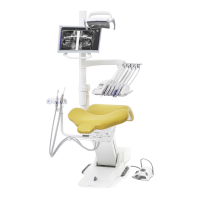
3. Touch Technical and enter password (1701).
4. Touch Calibrations (3200) and select Column (3230) and Column
position sensor (3231).
5. The following display appears.
5 Adjustments and calibrations
94 Planmeca Viso Technical manual









 To Next Page