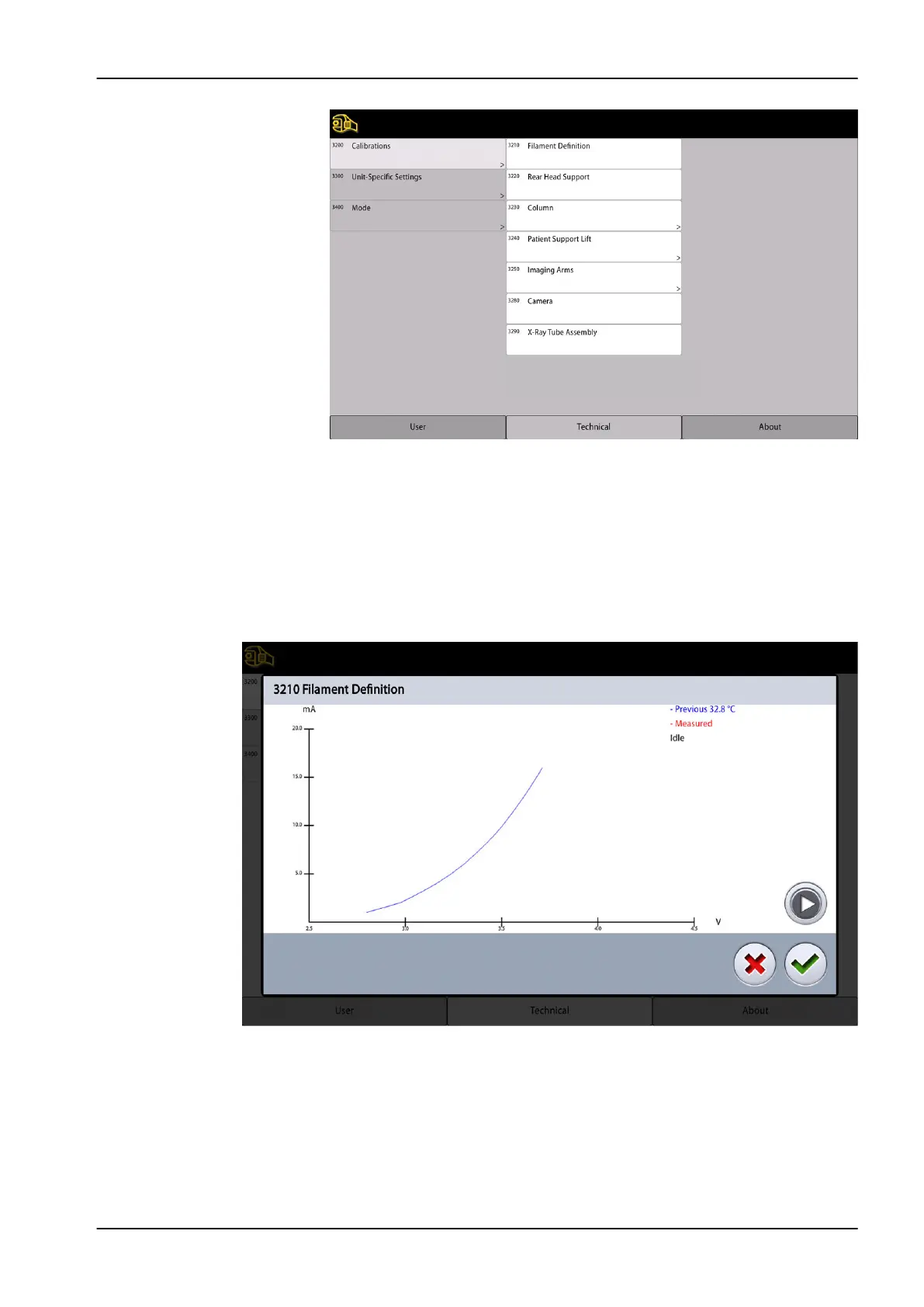
Filament Definition
NOTE
The X-ray tube must be cold when the filament definition is performed.
The X-ray tube filament definition must be performed whenever the tube
head and/or the Power supply PCB is replaced. To perform the X-ray tube
filament definition, select Filament Definition. Press and hold down the
exposure switch until the series of exposures ends.
2.1.2 Unit-Specific Settings
Select Unit-Specific Settings.
2.1.2.1 Set Parameter Limits
In this mode the maximum and minimum values of the kV and the minimum
mA range can be set for panoramic, cephalometric and 3D exposures.
2 Settings
Technical manual Planmeca Viso 33









 To Next Page