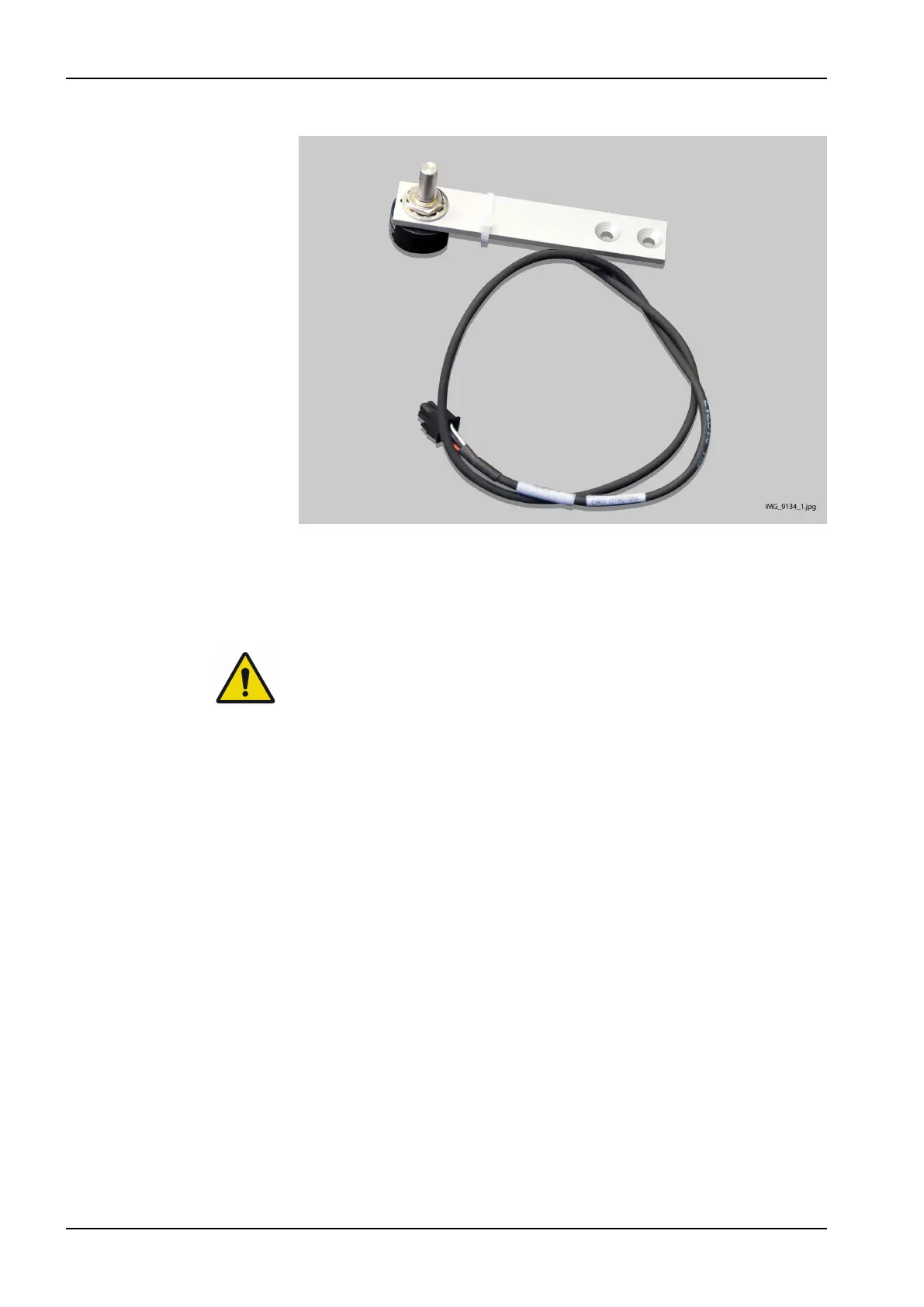
7. Remove the position sensor assembly.
8. Attach the new position sensor in reverse order.
9. Calibrate the position sensor. Refer to section "Adjusting column joint
position sensor" on page 109.
6.4 Replacing battery on CPU3 PCB
WARNING
Always switch off the X-ray unit before replacing the battery.
CAUTION
Use protective eye-wear when changing the battery.
1. Switch off the unit from the mains switch.
2. Remove the column front cover and EMC cover as described in section
"Removing column covers" on page 131.
3. Remove the old battery from its socket on the CPU3 PCB and place a
new battery to the battery socket.
For more information on the approved battery type, see the battery details in
section "Technical specifications" on page 16.
6 Parts replacement
146 Planmeca Viso Technical manual









 To Next Page