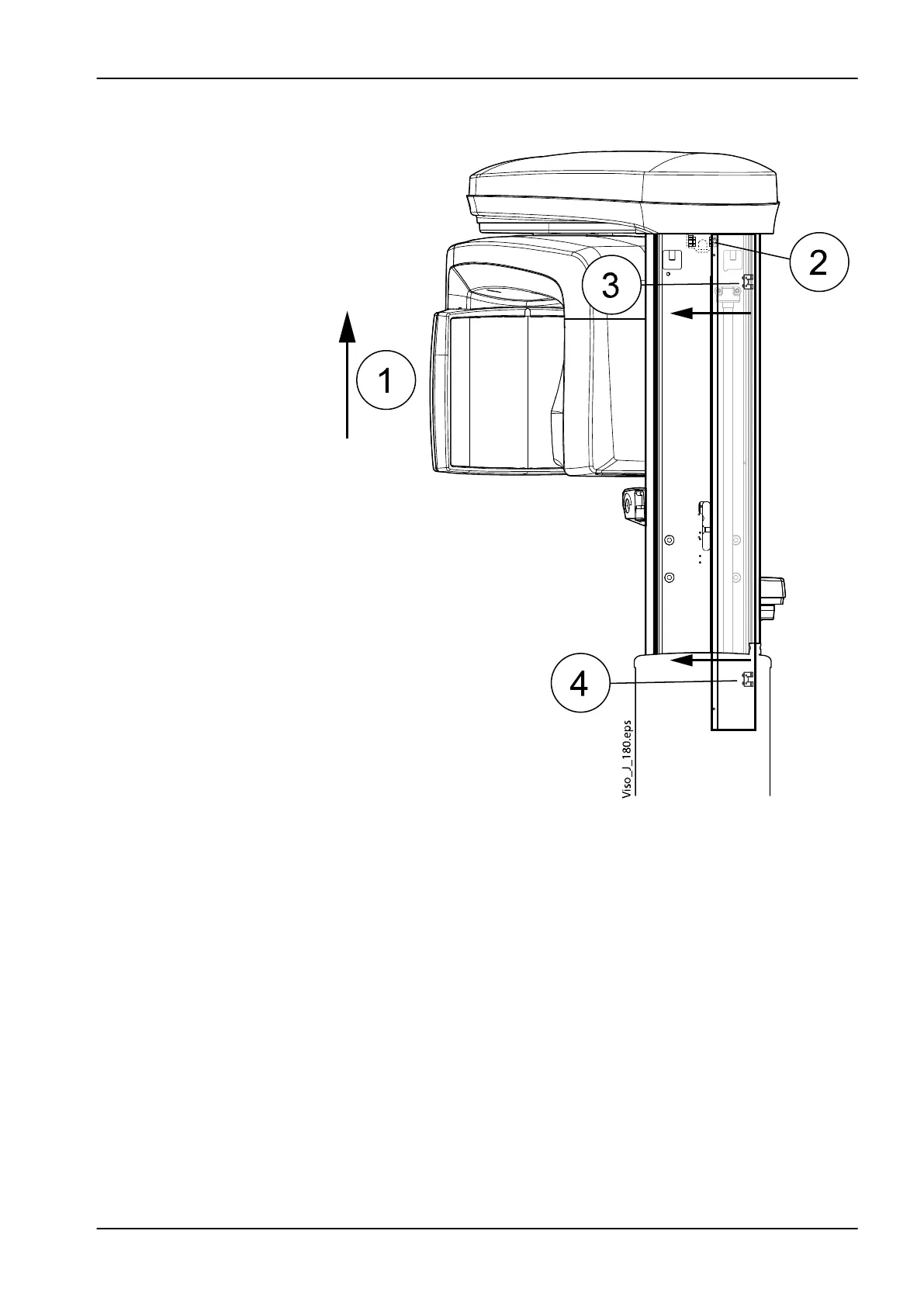
Removing column rear cover plates
1. Switch the unit on and drive the moving column to the uppermost
position (1).
2. Switch the unit off.
3. Detach the upper inner corner of the cover plate by carefully pulling it
outwards (2).
4. Detach the cover plate by pushing the cover plate inwards (3, 4, see the
small arrows in the figure above).
6.2 Replacing PCBs
NOTE
When replacing the PCBs refer also to the wiring diagram, publication
number D0011416.
6 Parts replacement
Technical manual Planmeca Viso 137












 To Next Page