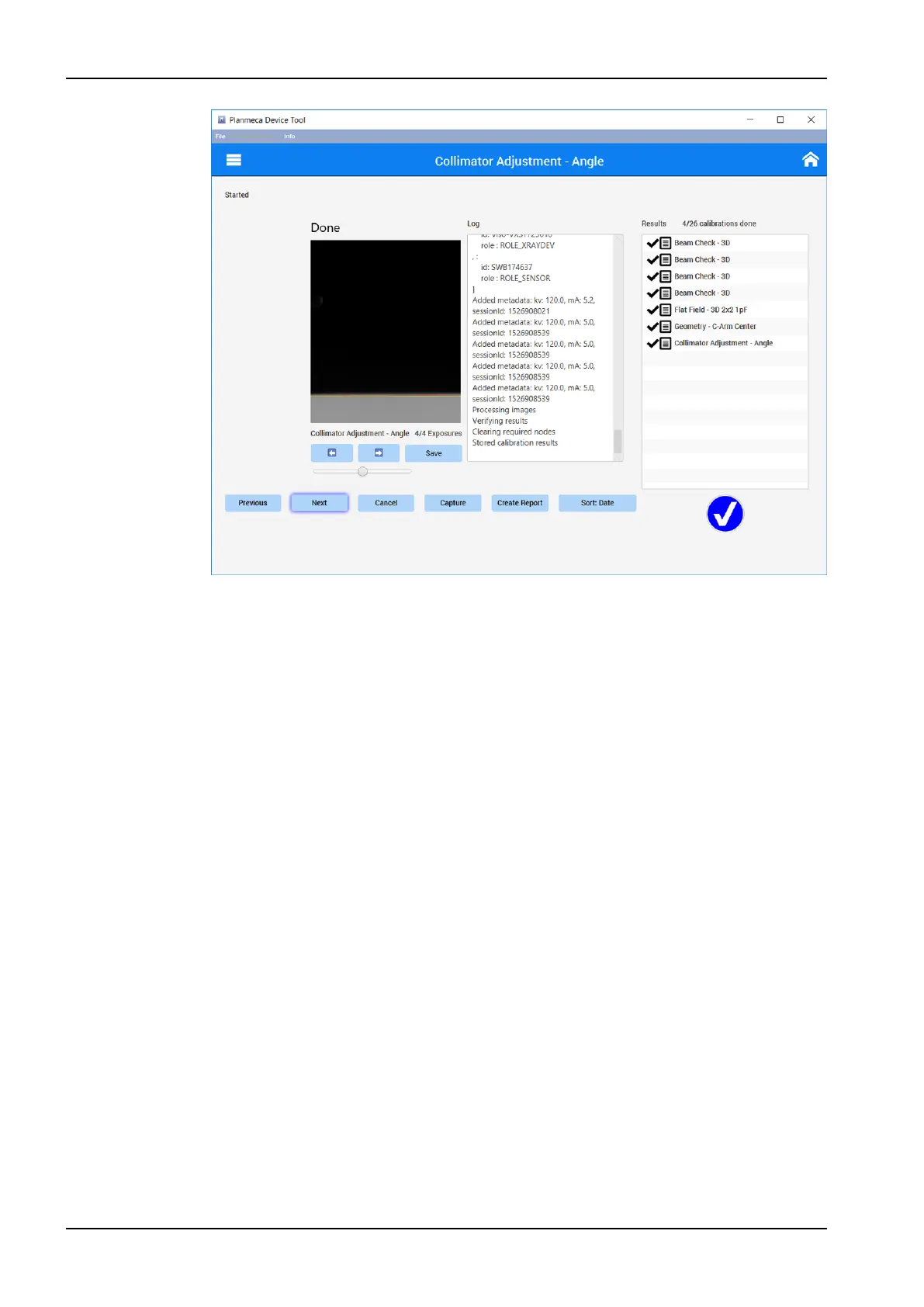
4. If the calibration failed adjust the beam position as described in section
"Collimator adjustment" on page 88.
When all these calibrations are passed, perform the Device tool calibrations
in order explained in section "Other calibrations" on page 70.
5.3.3 Other calibrations
After the collimator check and adjustment the rest of the Device tool
calibrations must be performed in the order described in this section.
5.3.3.1 Collimator calibration
1. Click Next on the Collimator adjustment - Angle window. The system will
move to Collimator adjustment - FOV TOP calibration.
5 Adjustments and calibrations
70 Planmeca Viso Technical manual












 To Next Page