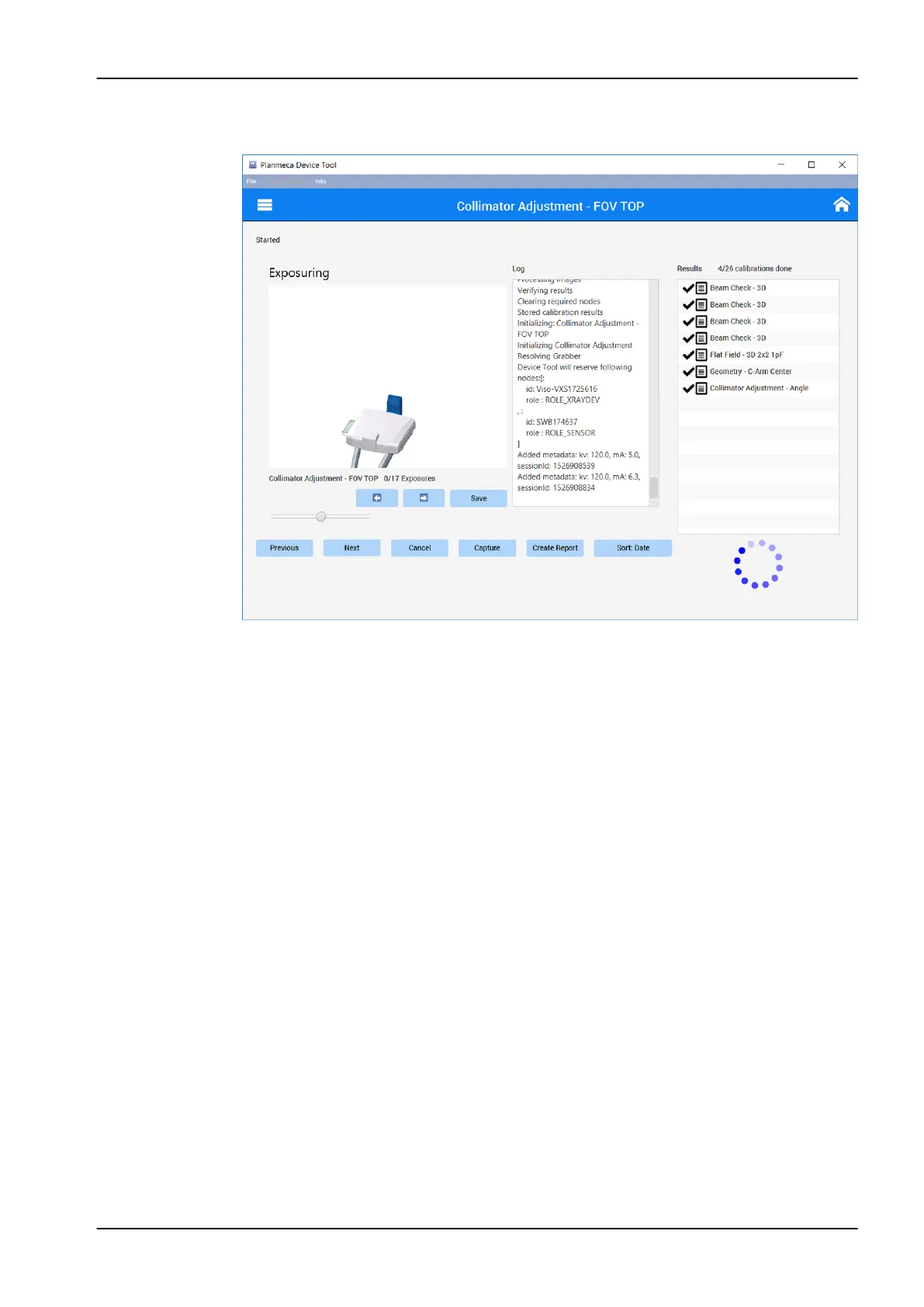
2. Protect yourself from radiation and press the exposure button to take the
exposure. The exposure results will appear in the window.
3. Perform the Collimator adjustment - FOV BOTTOM, LEFT and RIGHT
calibrations.
5.3.3.2 Flat field 3D calibration
1. Click Next on the Collimator adjustment - FOV RIGHT window. The
system will move to Flat field 3D 1x1 3pFcalibration.
5 Adjustments and calibrations
Technical manual Planmeca Viso 71



 To Next Page