2.1.3.2 Set Normal Mode
Select Set Normal Mode to enter to normal mode.
2.1.3.3 Set Exhibition Mode
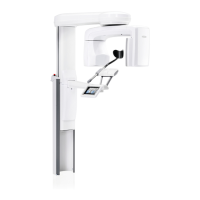
Select Set Exhibition Mode. The exhibition mode allows you to demonstrate
all the Viso X-ray programs. When this option is selected no radiation is
generated when you press the exposure button. The programs can be
selected and the C-arm will move normally but no radiation will be generated
and no radiation warning signals will be given, i.e. this is a “dummy run”
function for training and demonstration purposes.
If you touch green check mark ProFace images can be taken when the X-ray
unit is connected to the PC.
If you touch the red cross mark you can drive the ProFace exposure
movement but an image is not taken.
2 Settings
Technical manual Planmeca Viso 35



 To Next Page