18
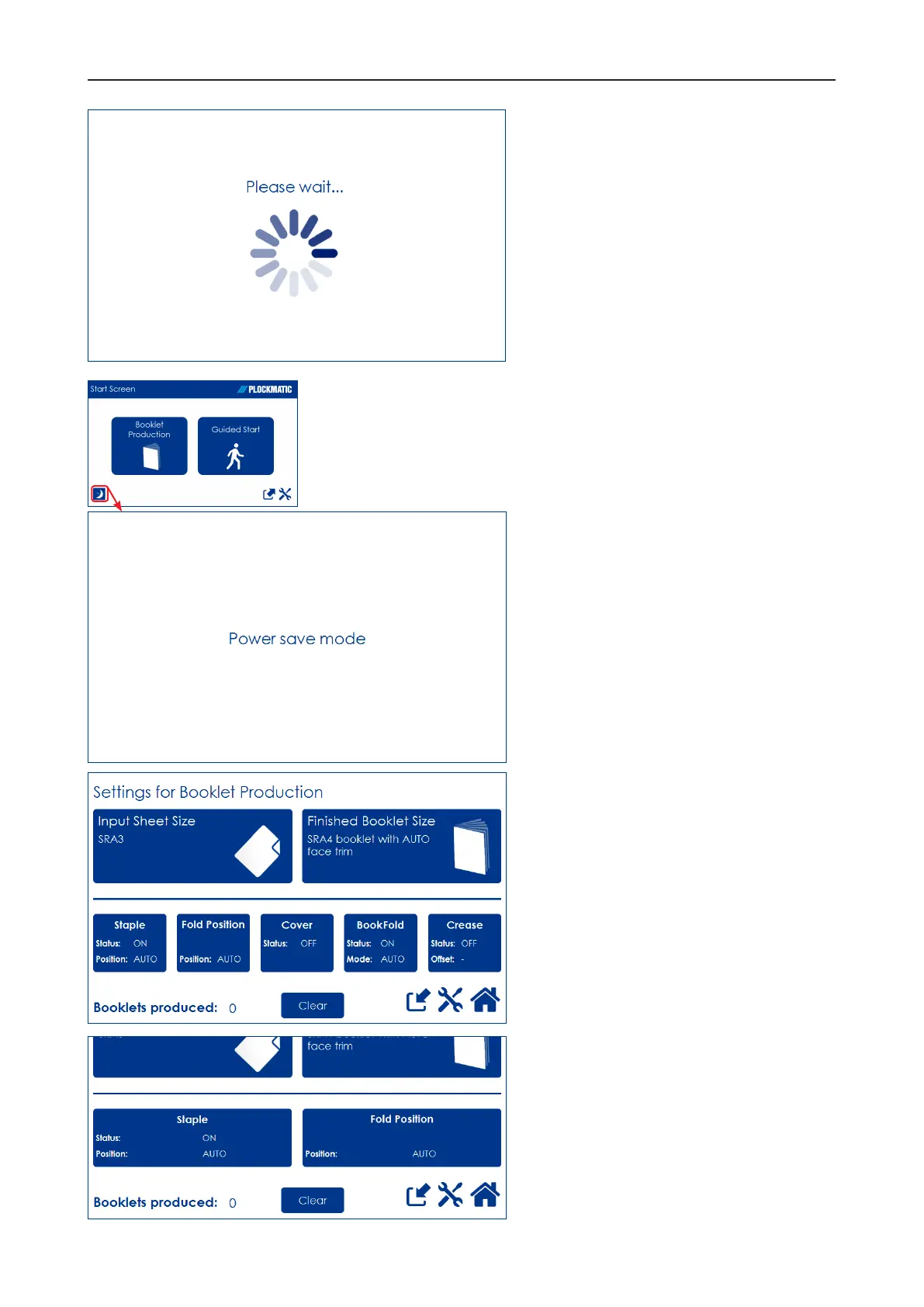
The Please wait screen
While the machine sometimes needs
time to perform changes in settings,
the Please wait screen will be shown.
Power save mode
When the Booklet Maker System is
in a ready state, it will enter power
save mode after 20 minutes of
inactivity.
To recover from Power save mode,
touch the screen or send a print job
to the Booklet Maker System.
The Booklet Maker System can also
be forced into Power save mode
by pressing the [Power save mode]
button.
When the Booklet Maker system is
processing or when there is a jam
state it will not enter power save
mode.
Information on screen
Depending on how the system is
congured, the information on the
screen changes and the size of the
buttons will adapt to t the screen.
This sample screen shows a fully
congured Booklet Maker system
with RCT, Cover Feeder, BookFold
Module and Trimmer.
This sample screen shows exactly
the same screen as above but this
time the system is congured only
with a Trimmer.



 To Next Page