Edition: A03 September 6, 2018
35
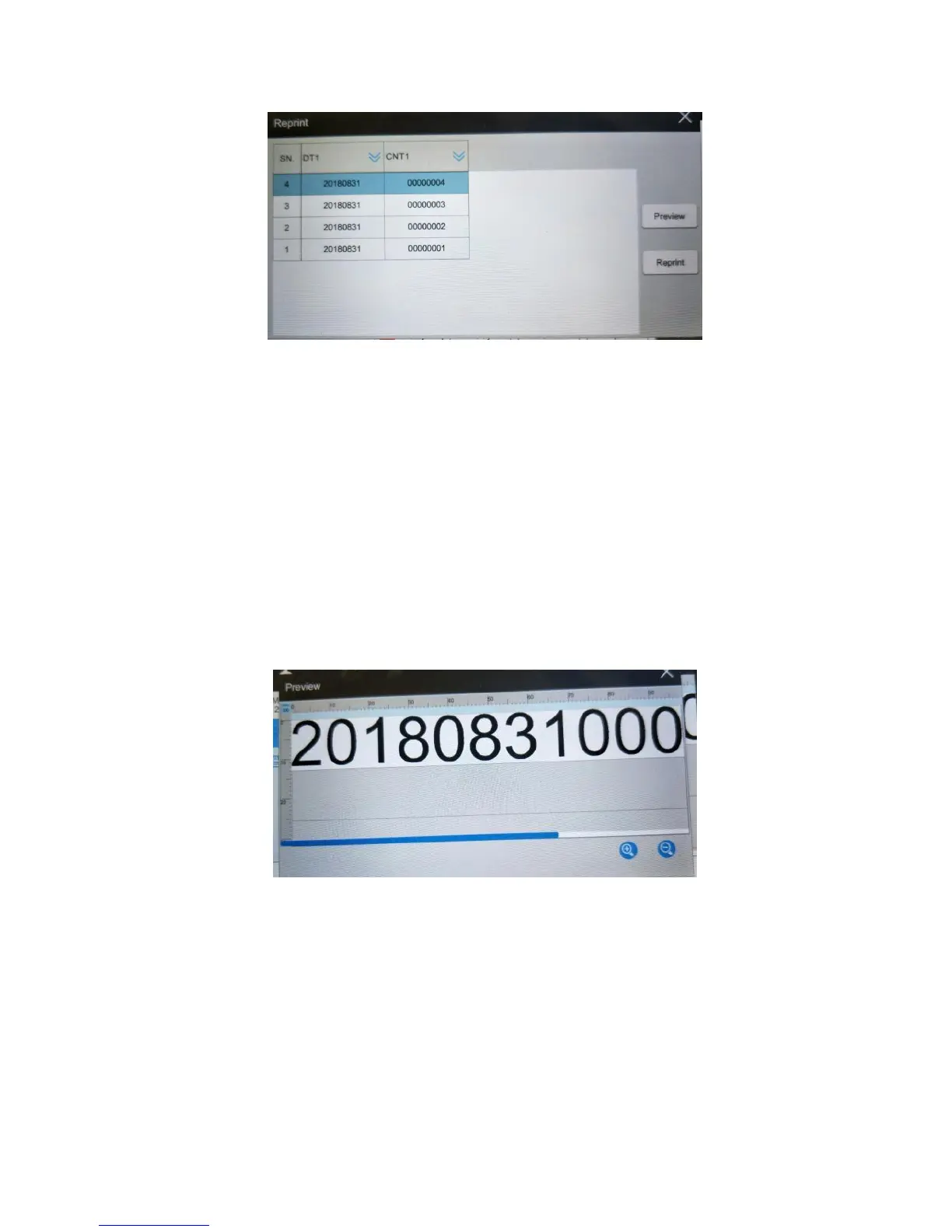
Select the records that the user wants to reprint in the list, click 【Add】 to add to
【added record】 list, click 【Reprint】then sense the photocell to enable printing of the
selected records in order. User can add a maximum of 10 records.
Input keyword and click 【search】,the searched content will display in 【Print
record list】.
Input page, print record can switch to input page directly and display record. User
can also click the page key to search for the record.
Choose the record in 【added record】list,click 【delete】,this will ensure the record will
not be reprinted.
Select the record in the list, click【Preview】button, to view the selected record.
The record number displayed in【Print record list】depends on the 【print record
】in【Print Parameter】.
When continuous printing, reverse printing or the reprint function are selected
repeat print will not be available.
3.3.6 Offset Adjustment
Click 【Offset】,popup offset setting interface.



 To Next Page