Edition: A03 September 6, 2018
27
3.2 Message Management-Simple Mode
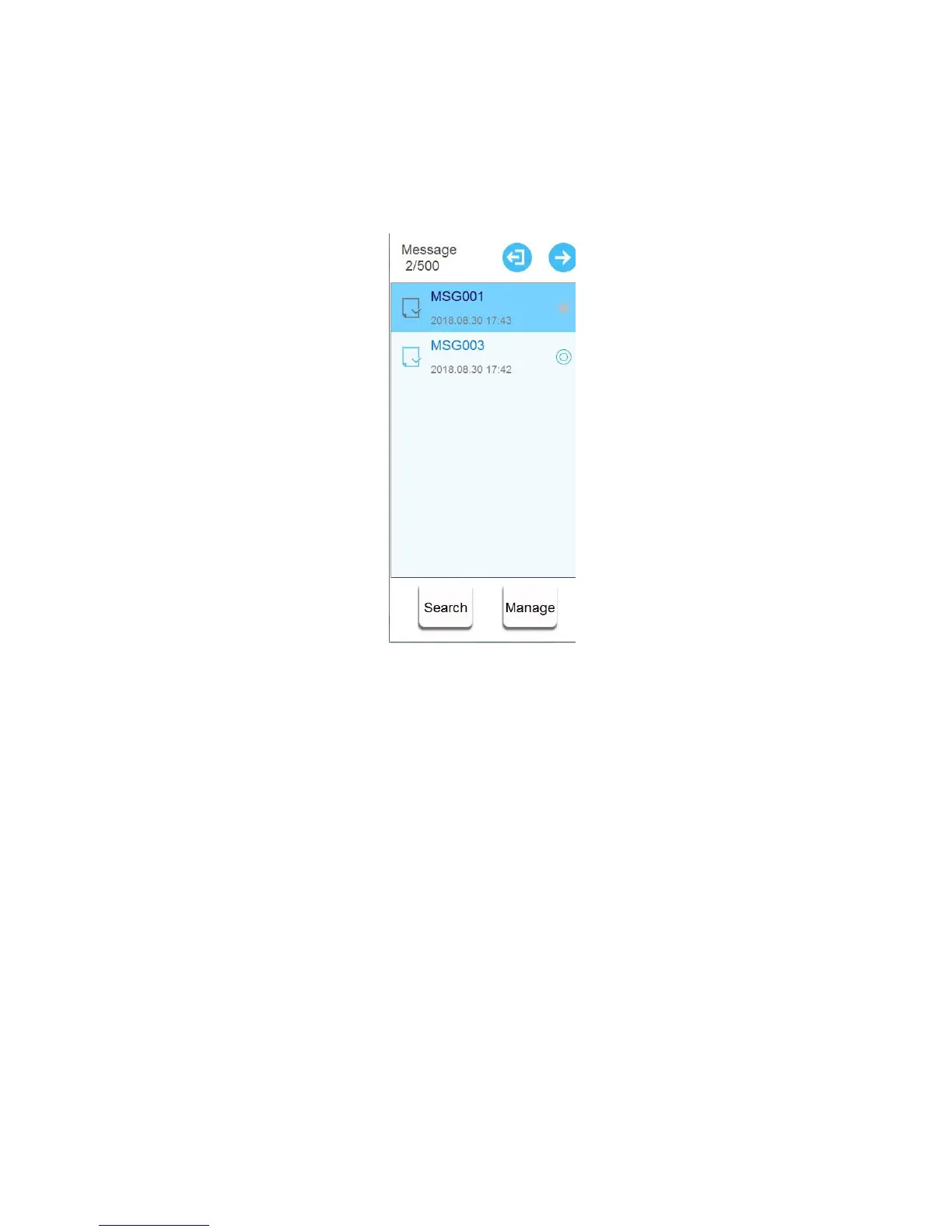
3.2.1 Message List
Click【Message】>【List】
List mode switch steps are the same as standard mode.
Expand list width/ Search message / Message management (Export, Import, Rename, and Select
All) are the same as standard mode.
3.2.2 Toolbar
The same as standard mode.
3.2.3 New Message
User can only add new objects, can’t add new sources. The objects include text, counter, date
time, shift, barcode and logo.
The setting mode at the bottom of the interface can switch pages by clicking the button. Or user
can slide the interface directly to switch the settings mode.
3.2.3.1 Object type
1) Text object
【Message】>【New】>【New object】>【Text】
User can only input text, like writing a text message.



 To Next Page