Edition: A03 September 6, 2018
53
Displays green:Connected to the internet.
Displays grey: Not connected to the internet.
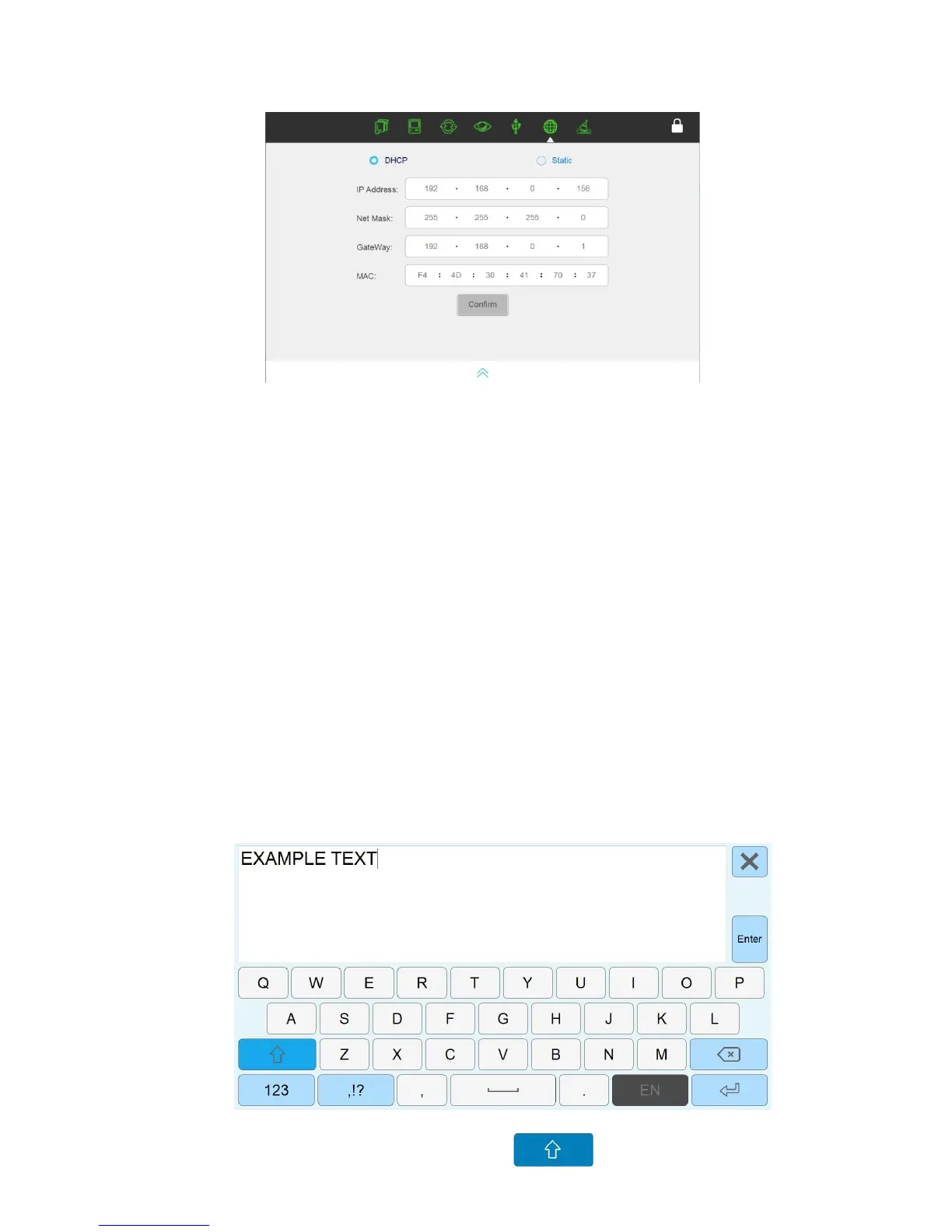
Click the icon to open a pop-up for the internet settings interface.
User can choose dynamic IP/static IP to access LAN.
Dynamic IP: Insert the network line into the printer, it will obtain the relevant address
information automatically. Select confirm to connect, click cancel to cancel the connection.
Static IP: Insert the network line into the printer so the user can input relevant address
information and access LAN.
3.8 Input Method Introduction
On the keyboard, user can input capital letters, lowercase letters, numbers, common symbols,
Chinese and Spanish.
Capital letters: default keyboard is capital letters, displayed as seen below:
Lowercase letter: Change by selecting this icon



 To Next Page