EasyManua.ls Logo

POLYtij S3i - 3.6 Tools; 3.6.1 Image Management

POLYtij S3i
59 pages
Print Icon
To Next Page IconTo Next Page
To Previous Page IconTo Previous Page
Loading...
Edition: A03 September 6, 2018
43
System parameter
System time
Default time
Unit
mm
Device name
INKJET
Screensavers
3mins
Screen brightness
30%
User control
Closed
Language
Language management
English
Font
Font management
Default
Input
Input management
English
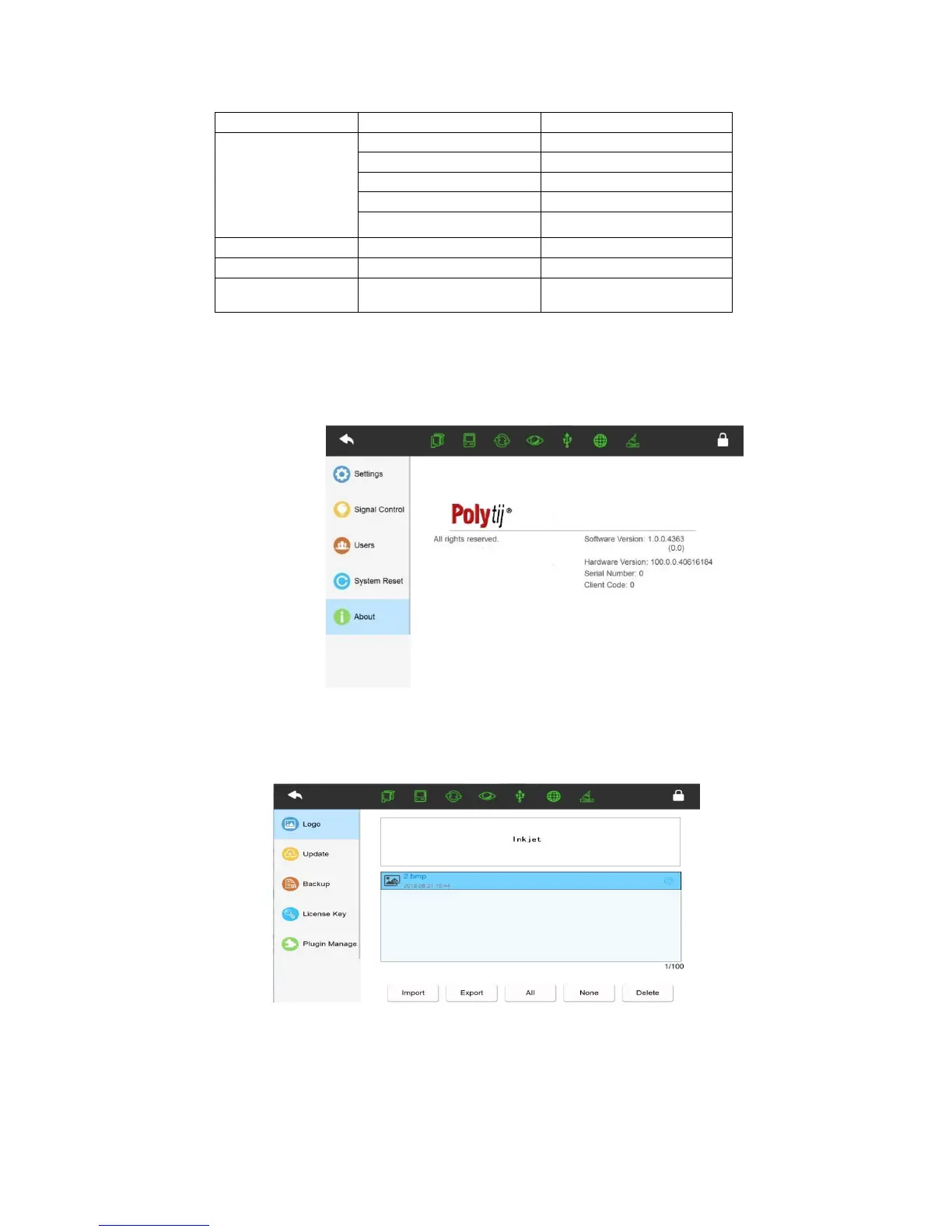
3.5.5 About
Displays the company name, website, company logo, software version, hardware version,
device SN (serial number), and customer code.
3.6 Tools
3.6.1 How to manage local images
Preview image
Select images and it will show the images for preview.
Import images
Insert USB with images saved under (Inkjet/Logo/) click import to import the images to the
printer.


Related product manuals