Edition: A03 September 6, 2018
48
3.6.5 Plugin Management
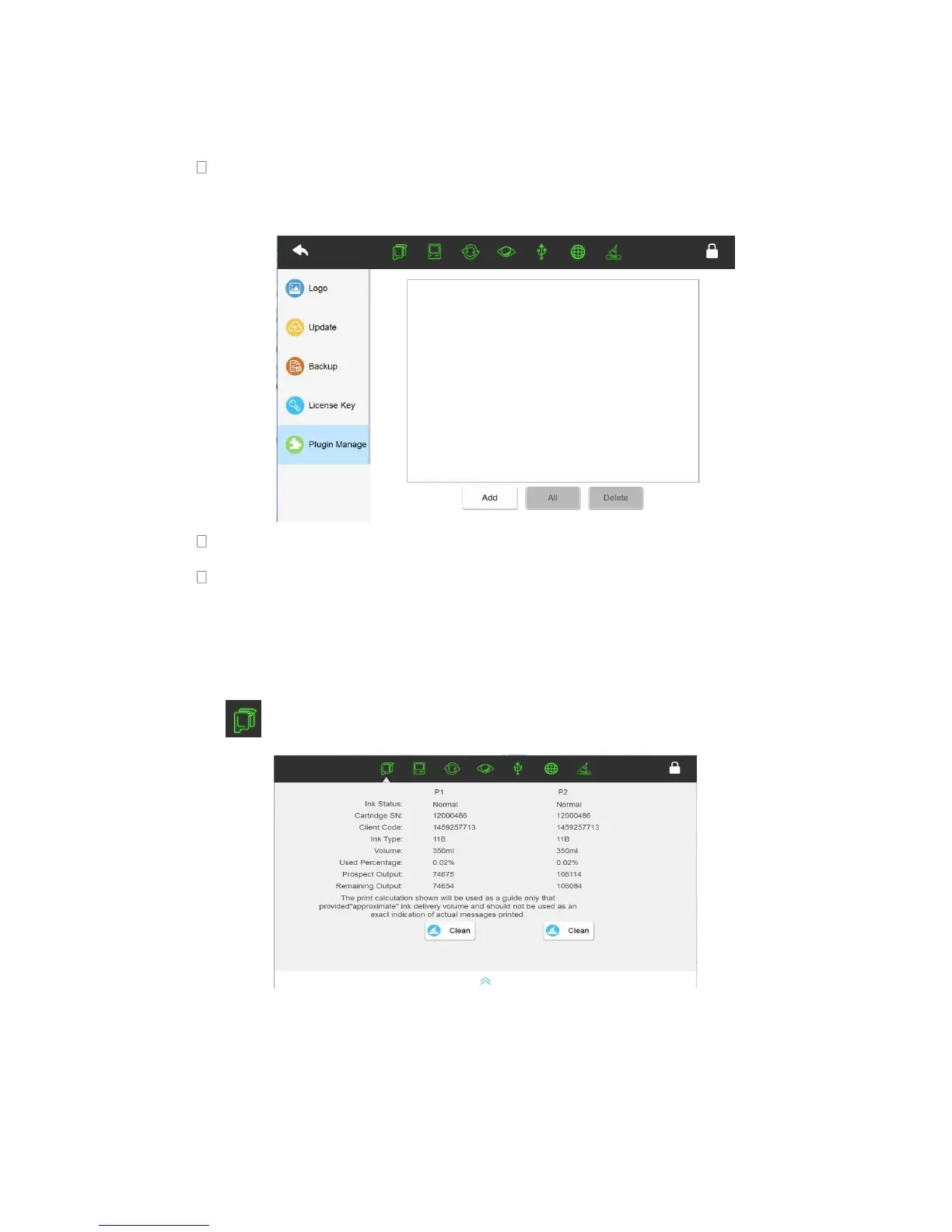
Insert USB with plug-in file, click【Add】to select the file and add plugin, after adding
the plugin successfully, it will display in the list.
Click【All】, all plugins in the list are checked.
Click【Delete】to delete all the selected plugins from the list.
3.7 Status bar
3.7.1 Cartridge status
Click to display cartridge status.
Cartridge icon colour
Green: Normal
Orange: Ink Cartridge has used up to 95%--warning
Red: Empty cartridge or an error with the cartridge



 To Next Page