Edition: A03 September 6, 2018
39
Language: 【English and others】. Click the icon to select language.
Default language: English How to upgrade other language, please refer to section 3.6.2.
After changing the language, the printer will restart automatically to make the changes.
Device name: The maximum characters allowed is 30. If the message contains a device name
source, the message will change if the device name is changed.
Screensavers: The system default is 3 minutes with 5 options for time interval setting: 1 min,
3 min, 5 min, 30 min and OFF. If the screen saver is set to OFF, the screen enters standby status
if inactive for the set time. The screen will awaken if there’s alarm or an error message.
Screen brightness: The user can set the brightness from 10-100%, default is 30%.
Message Mode: Select message management mode, standard mode or simple mode.
3.5.2 Signal management
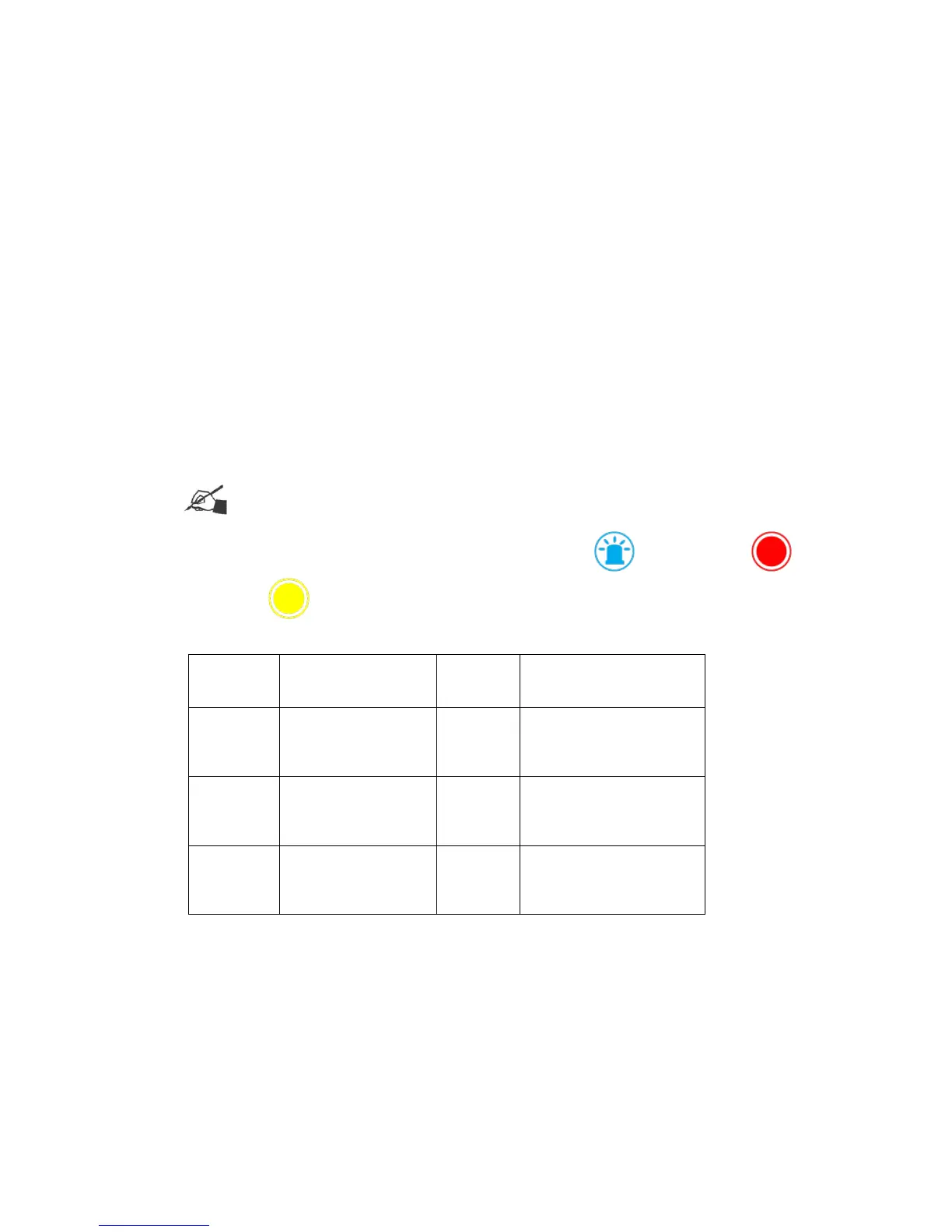
Note:Please ensure the three colour alarm kit is connected to utilise this function.
Choose between the 3 alarm status’ with Buzzer (sound) , red alarm lamp , yellow
alarm lamp
3.5.3 User management
This allows the administrator to assign rights for the printer’s operation.
Open user management feature
【System】>【User management】
Default status is OFF, click the icon and it will pop up a page to input the password.
The default password is: 888888. Click “√”to open and click “×”to close.



 To Next Page